
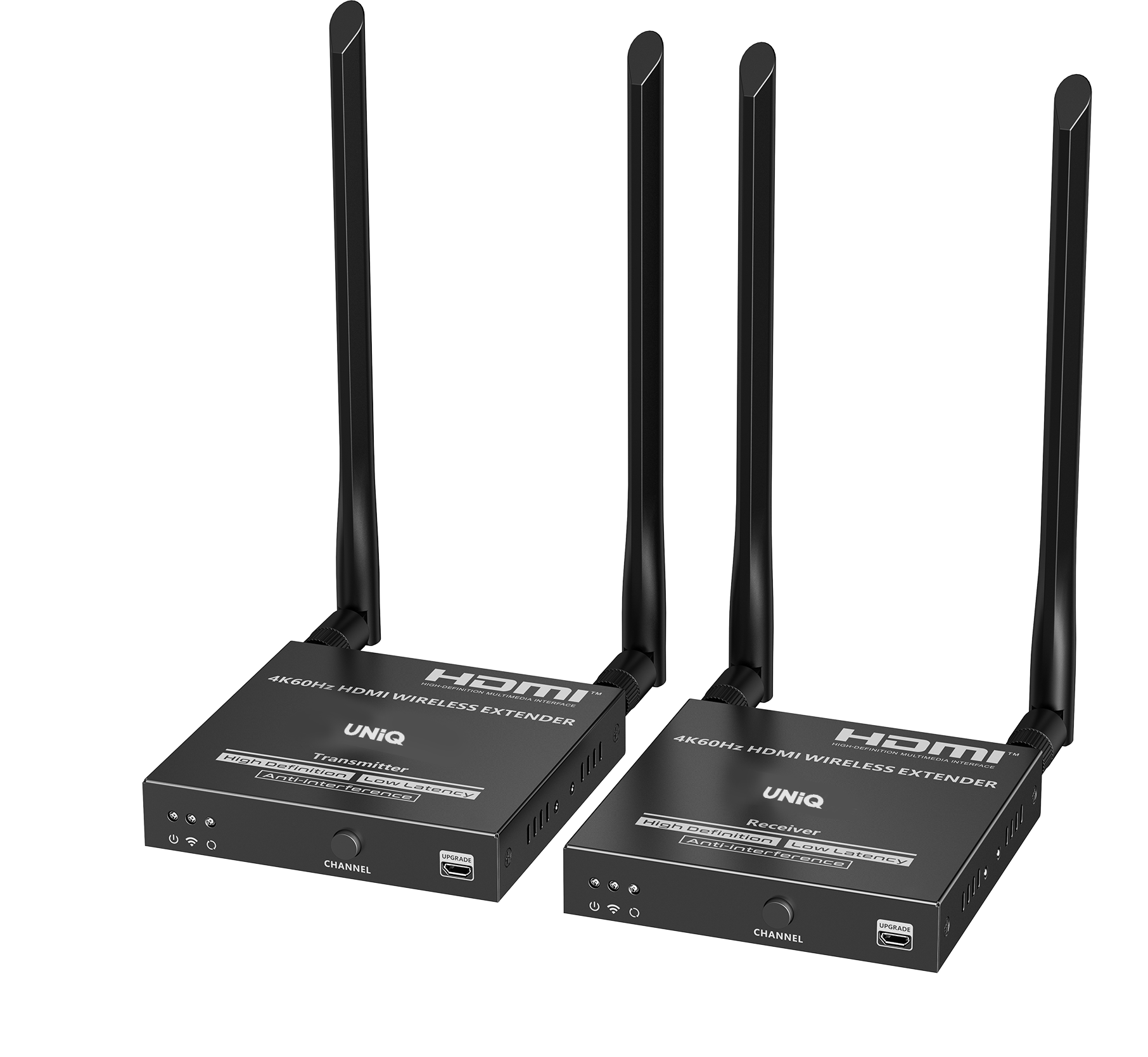





Product features
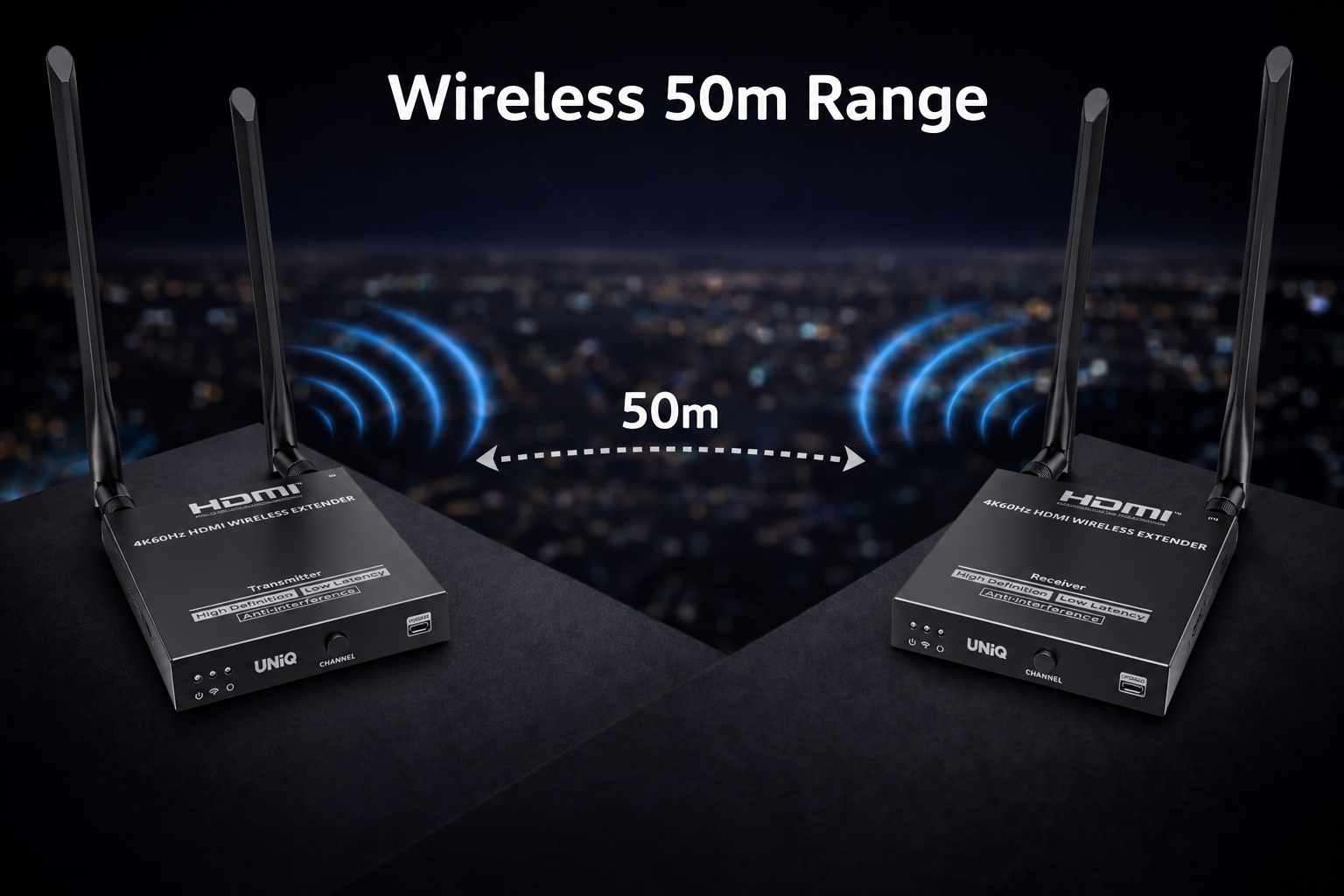
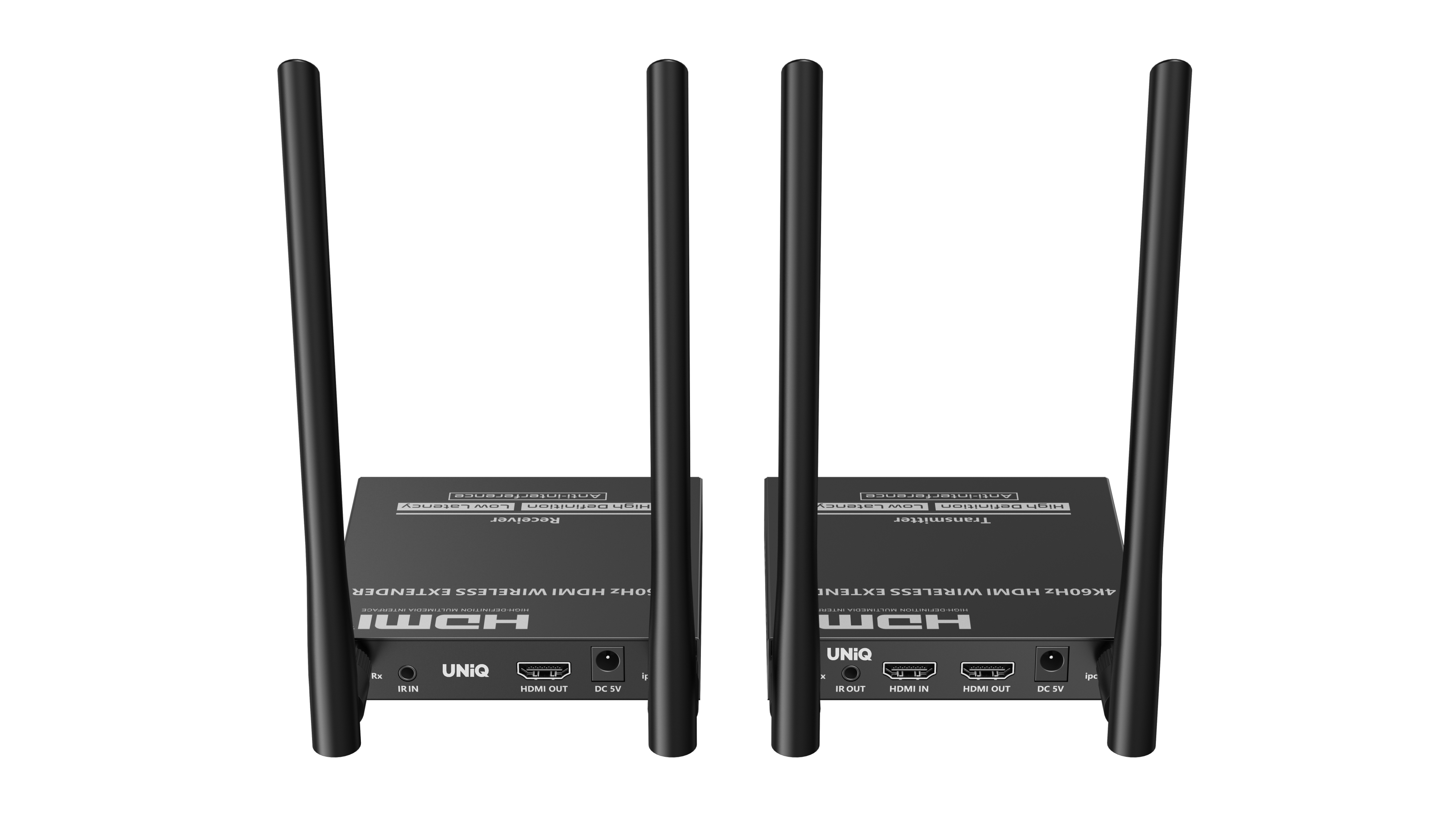
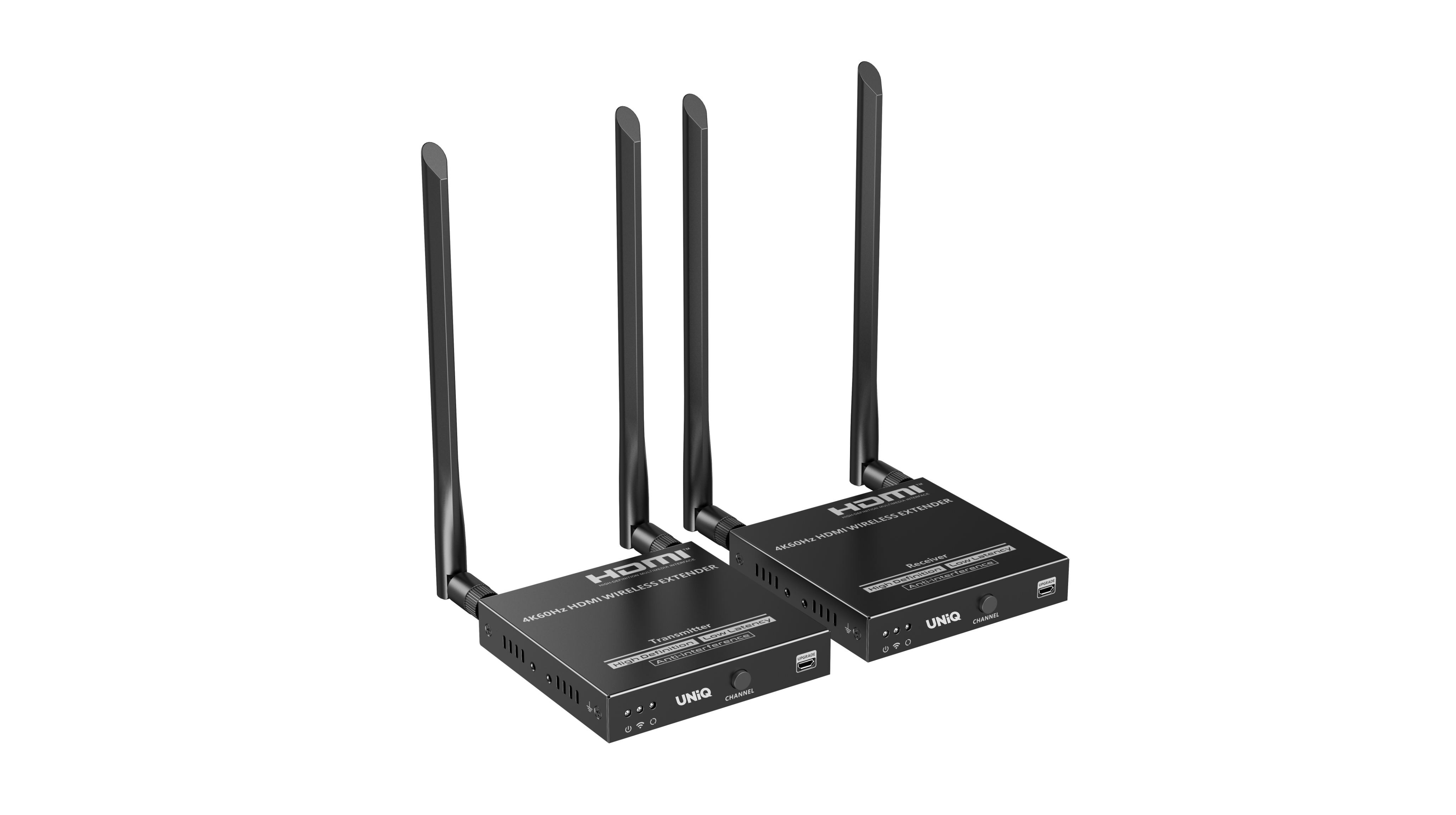
Wireless 50m range
Cutting-edge wireless transmission technology providing stable, high-bandwidth AV signals without the need for complex cabling.
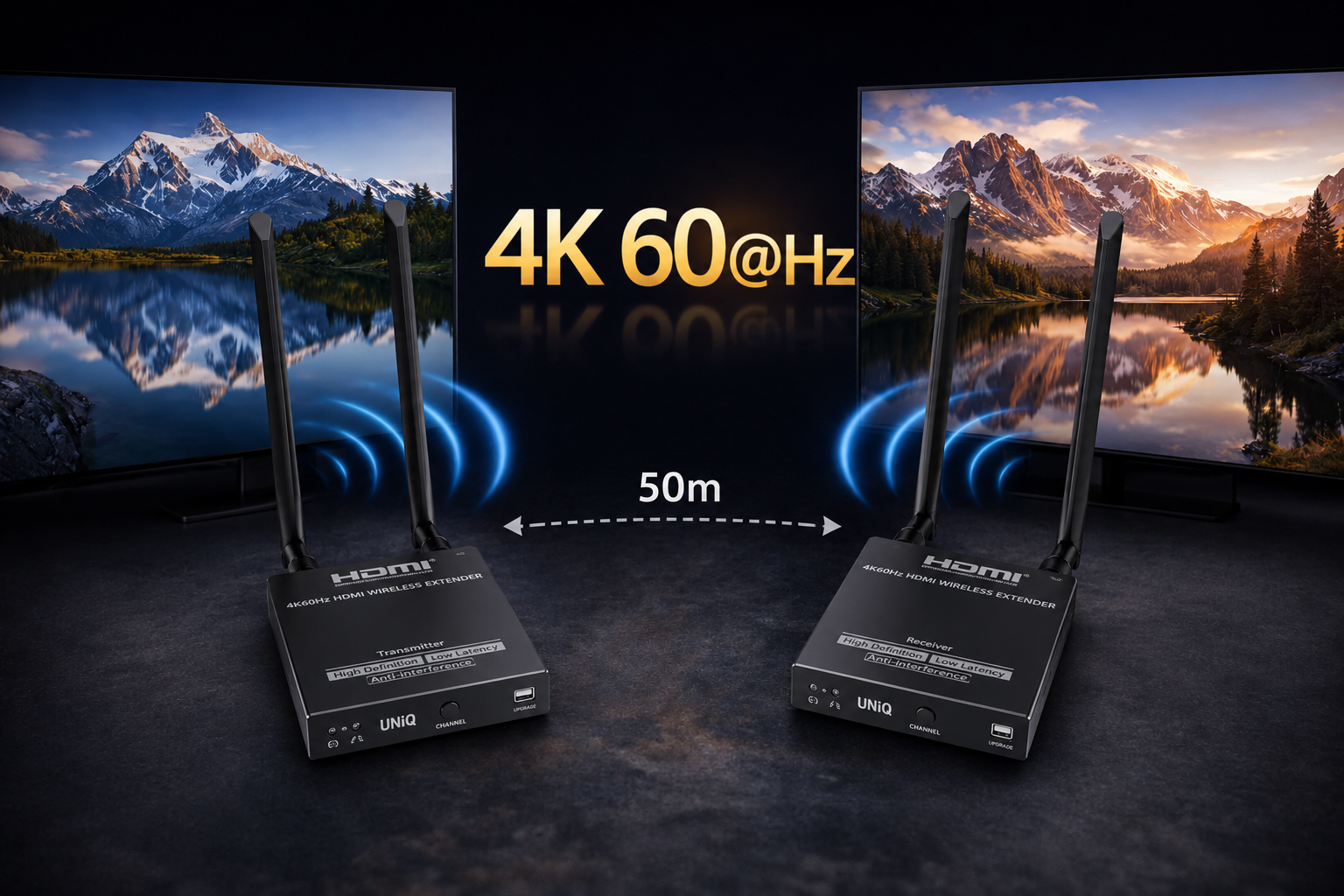
4K 60@Hz
Experience ultra-high-definition clarity with 4K resolution, delivering four times the detail of standard 1080p for a truly immersive visual experience.
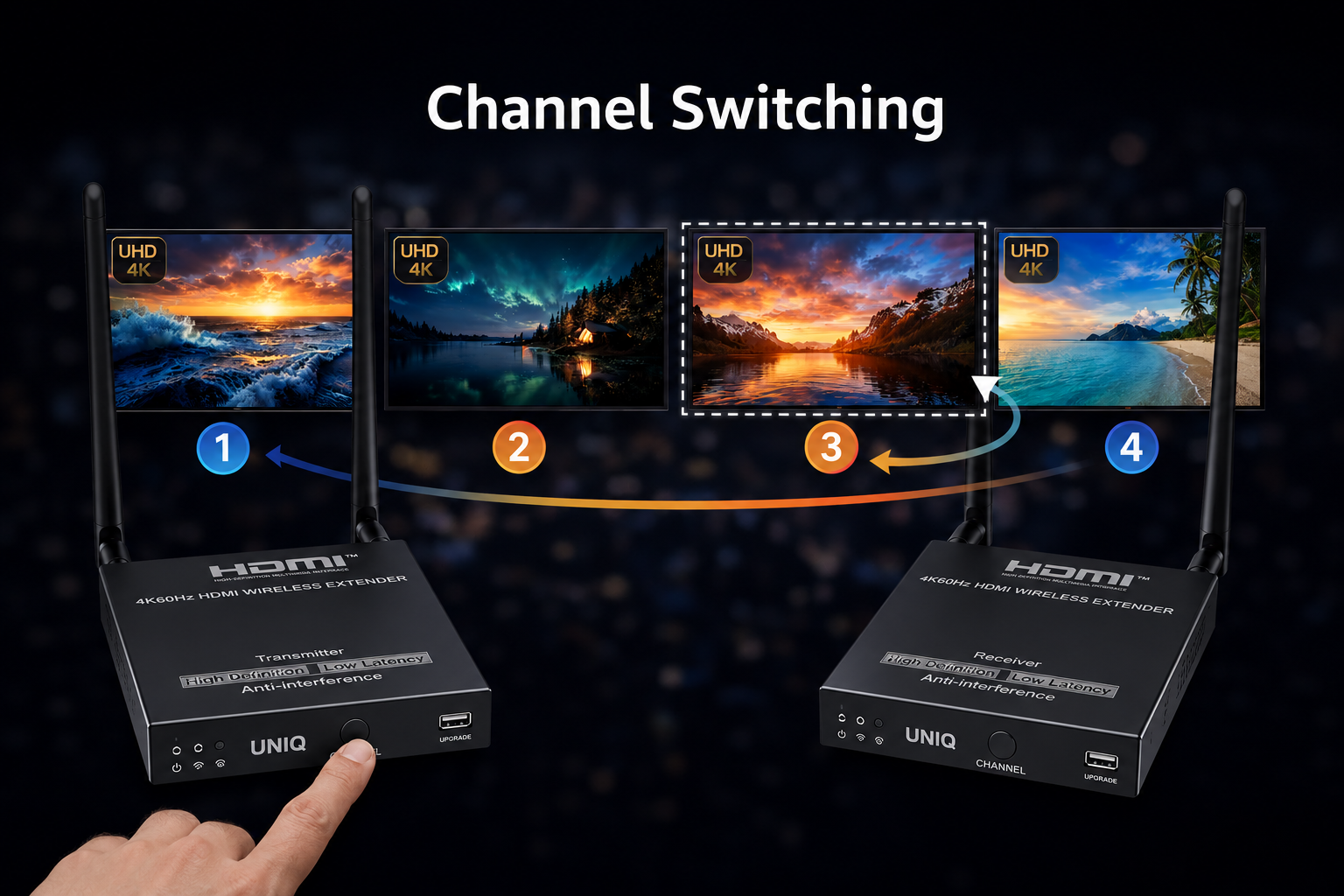
Channel Switching
Designed for reliability and high-performance operation in demanding professional AV environments.
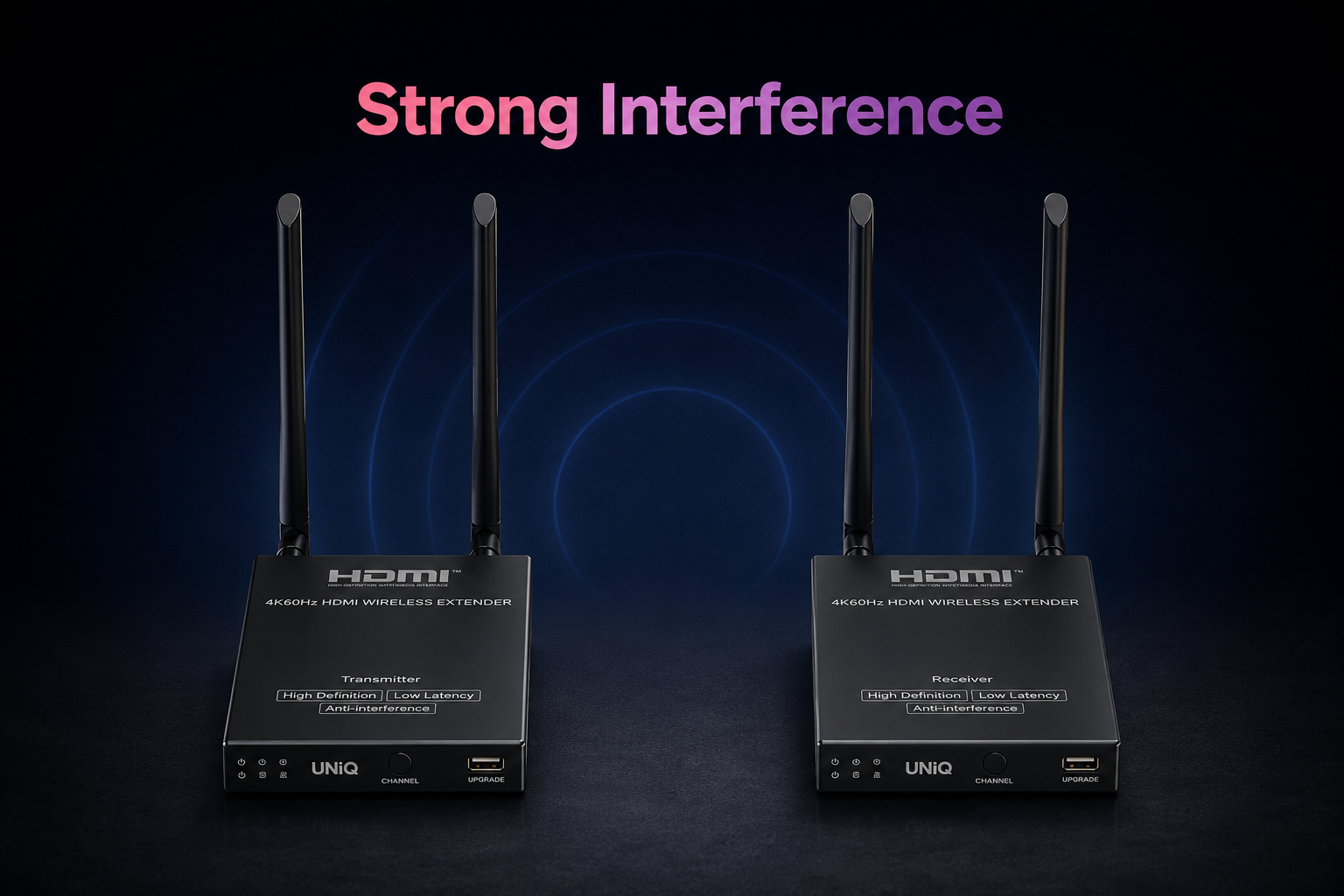
Strong Interference
Robust anti-interference technology ensures stable signal transmission even in crowded wireless or dense cabling environments.
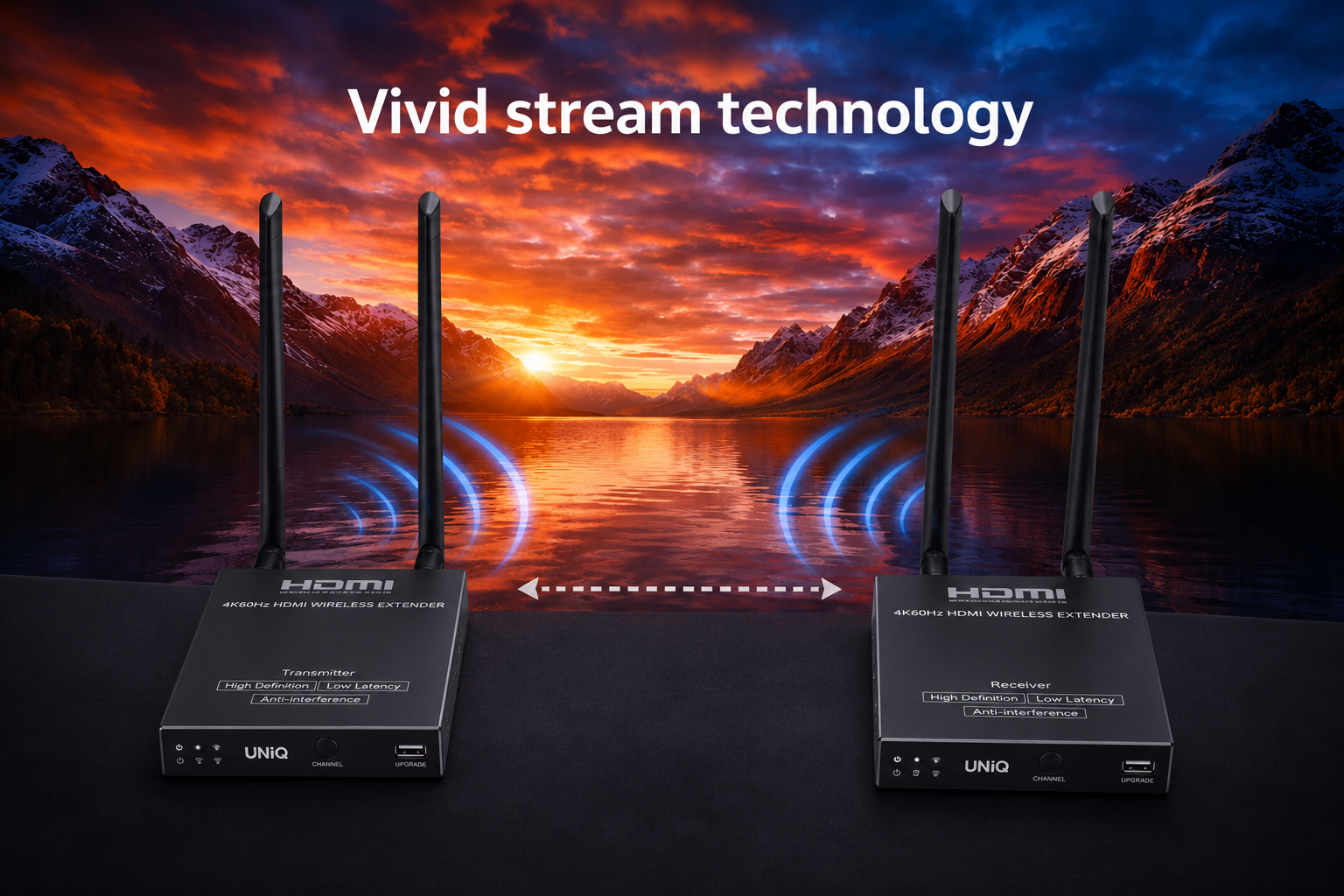
Vivid stream technology
Vivid stream technology enhances color depth and sharpens details to provide a more striking and professional visual experience.
Specifications
Model : WE-T50
| Voltage / Current | DC 5V/2A |
|---|---|
| Power Consumption | TX ≤ 5W, RX ≤ 4W |
| Resolution Supported |
4096×2160@24/30/50/60Hz 3840×2160@24/30/50/60Hz 1080P@50/60Hz 720P@50/60Hz 1920×1200 2560×1440 |
| HDMI Version | HDMI 2.0 |
| HDCP Version | HDCP 1.4 / HDCP 2.2 |
| Max Transmission Rate | 18Gbps |
| TMDS Signal | 0.7~1.2Vp-p (TMDS) |
| DDC Signal | 5Vp-p (TTL) |
| Wi-Fi Frequency Bands | 5.18~5.24 GHz |
| Transmission Distance | ≤ 50m |
| Latency |
4K@60Hz: 130~220ms 1080P@60Hz: 70~120ms |
| Connection Type | One-to-One |
| SSID Pairing | Supported |
| ESD Protection |
1a Contact Discharge Level 3 1b Air Discharge Level 3 Standard: IEC61000-4-2 |
| Protection | Lightning Protection, Surge Protection |
| Infrared Frequency | 20~60kHz |
| IR Receiving Range | ≤ 5m |
| Working Temperature | -20~60°C |
| Storage Temperature | -30~70°C |
| Humidity | 0~90% RH (No Condensation) |
| Dimensions |
TX: 106(W) × 103(L) × 20.6(H) mm RX: 106(W) × 103(L) × 20.6(H) mm |
| Material | Iron |
| Color | Black |
| Net Weight | TX: 305g, RX: 302g |
| Package Contents |
1) Transmitter ×1 2) Receiver ×1 3) Power Adapter DC5V/2A ×2 4) IR Blaster Extension Cable ×1 5) IR Receiver Extension Cable ×1 6) Antenna ×4 7) Mounting Ears ×4 8) Screw ×10 9) Grounding Screw ×2 10) User Manual ×1 |
Schematic Diagram
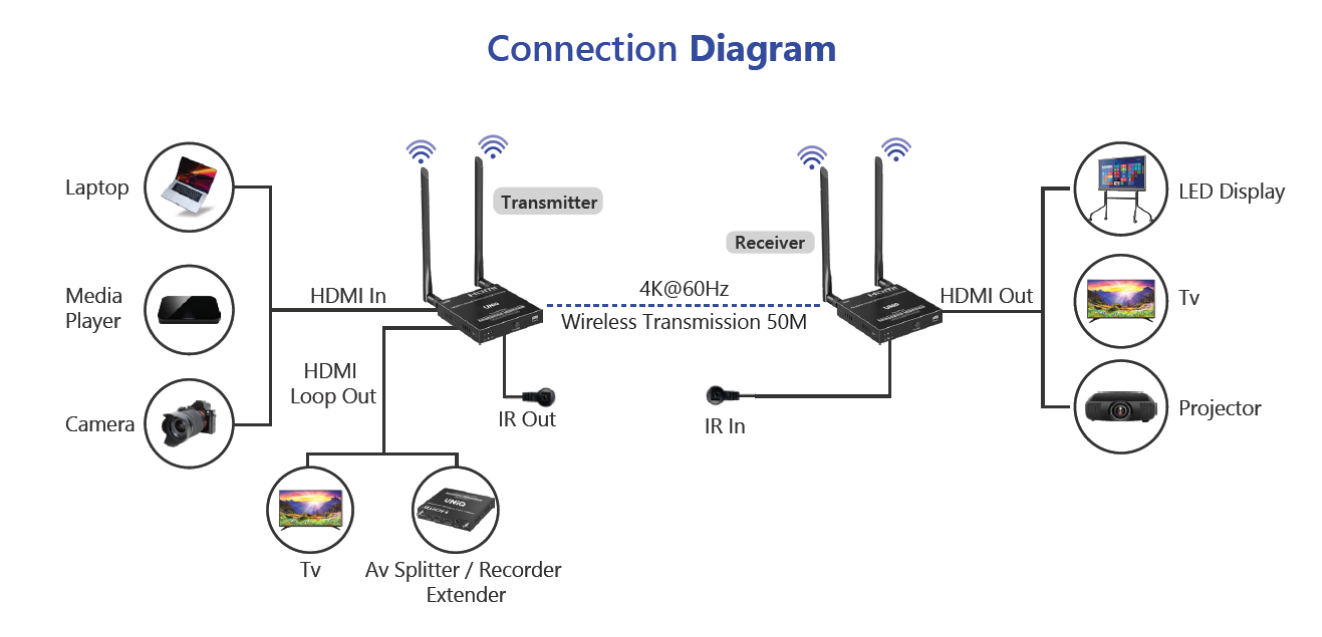
FAQ For WE-T50
Quick answers for WE-T50
WE-T50 FAQ
1. Q: Why the receiver and transmitter cannot be connected, showing "Search ipcolor Tx..." on the screen?
2. Why the Wi-Fi indicator is steady on but showing "Please check the TX input signal"?
3. Why is the display stuttering or unstable?
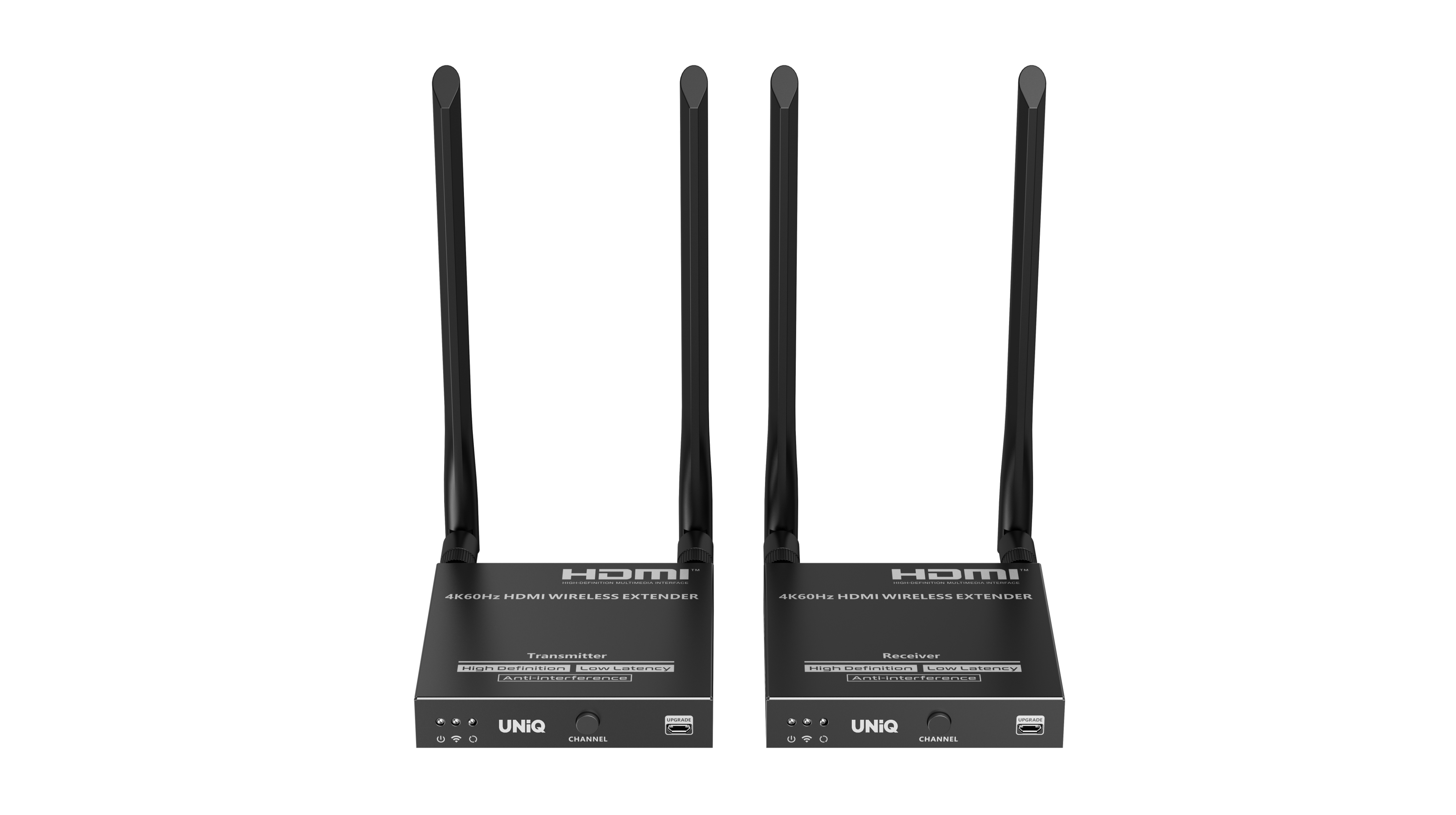
Product Gallery

Who We Support
Built for modern collaboration across learning spaces, growing businesses, and training environments.
Our Commitment
Focused on quality, reliability, and support to keep every collaboration experience seamless.
Reliable coverage that protects your investment and ensures long-term confidence.
Fast, dependable delivery so your setup arrives safely and on time.
Dedicated assistance for setup, troubleshooting, and ongoing success.
