
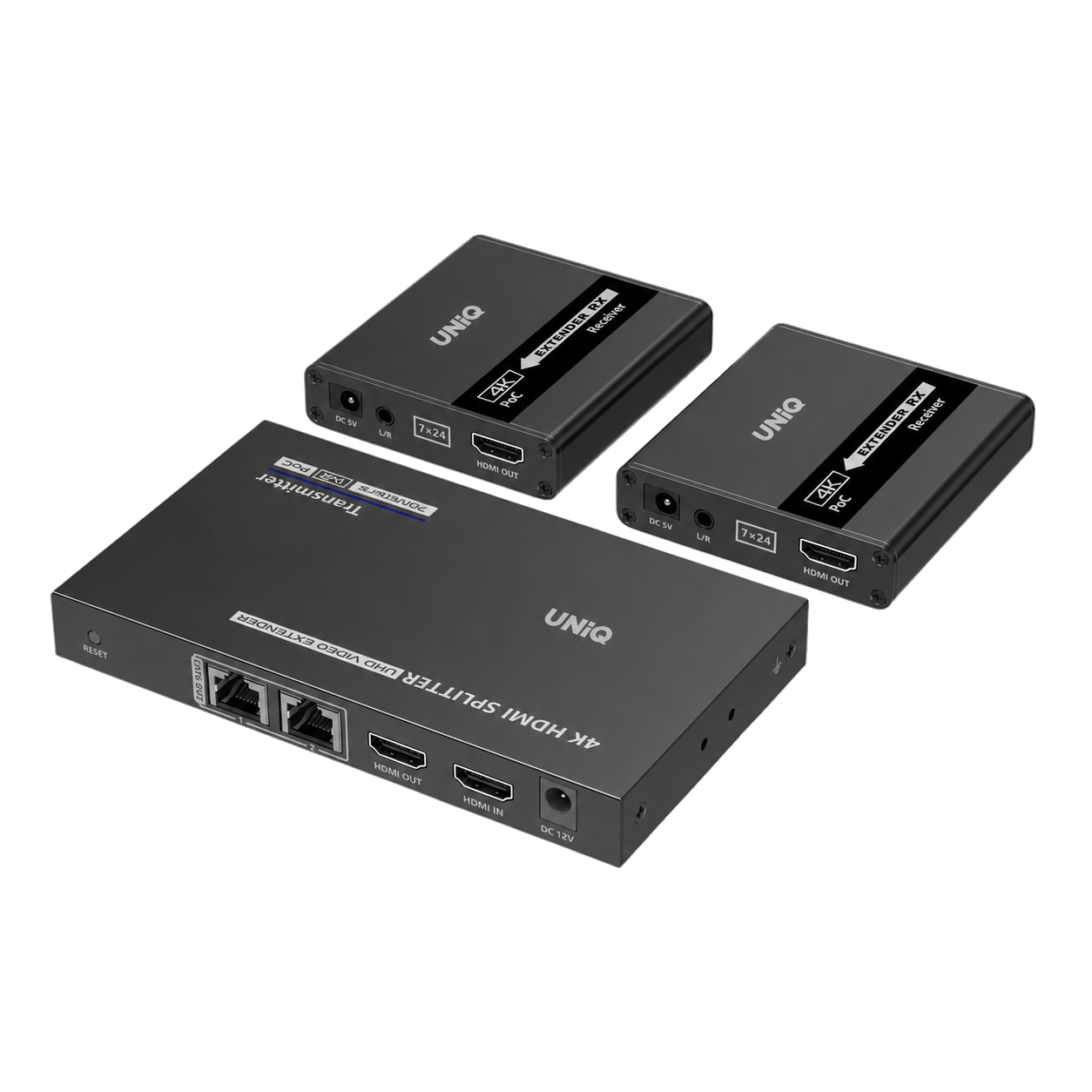





Product features
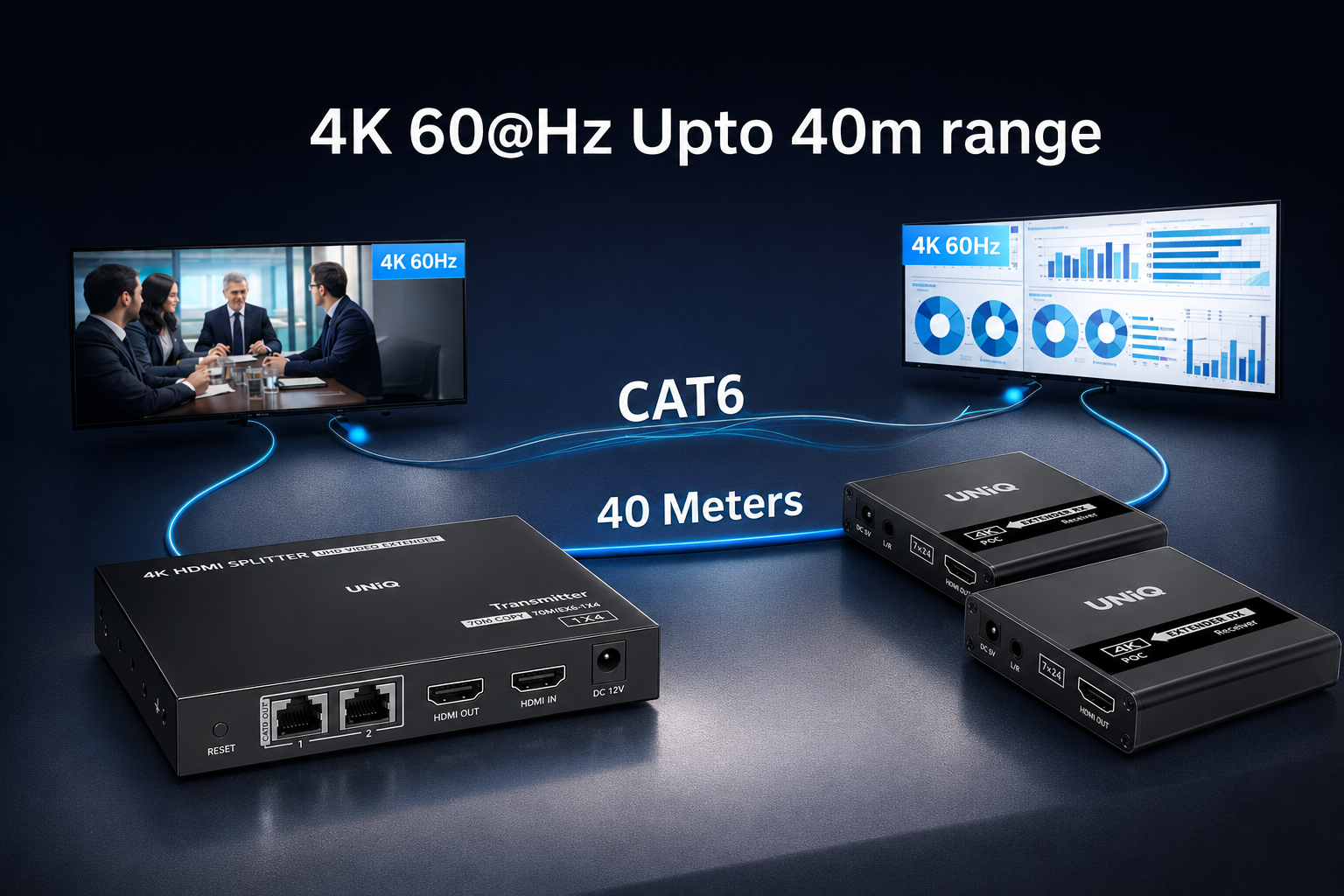
4K @ 60fps
Experience ultra-high-definition clarity with 4K resolution at 60 frames per second, delivering four times the detail of standard 1080p for a truly immersive visual experience.
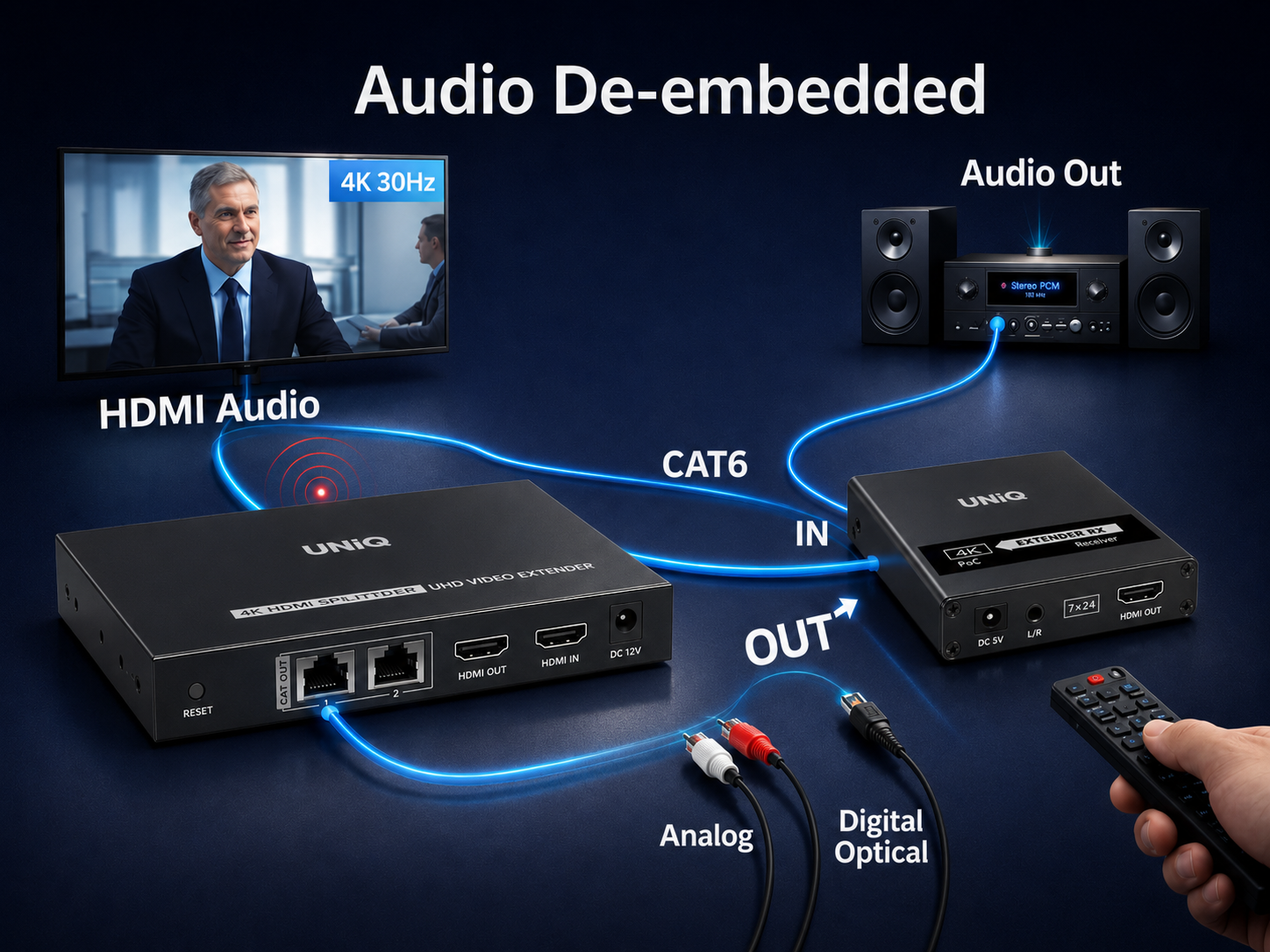
Audio De-embedded
Extract and output audio signals independently from the HDMI stream, allowing flexible audio routing and integration with external audio systems.
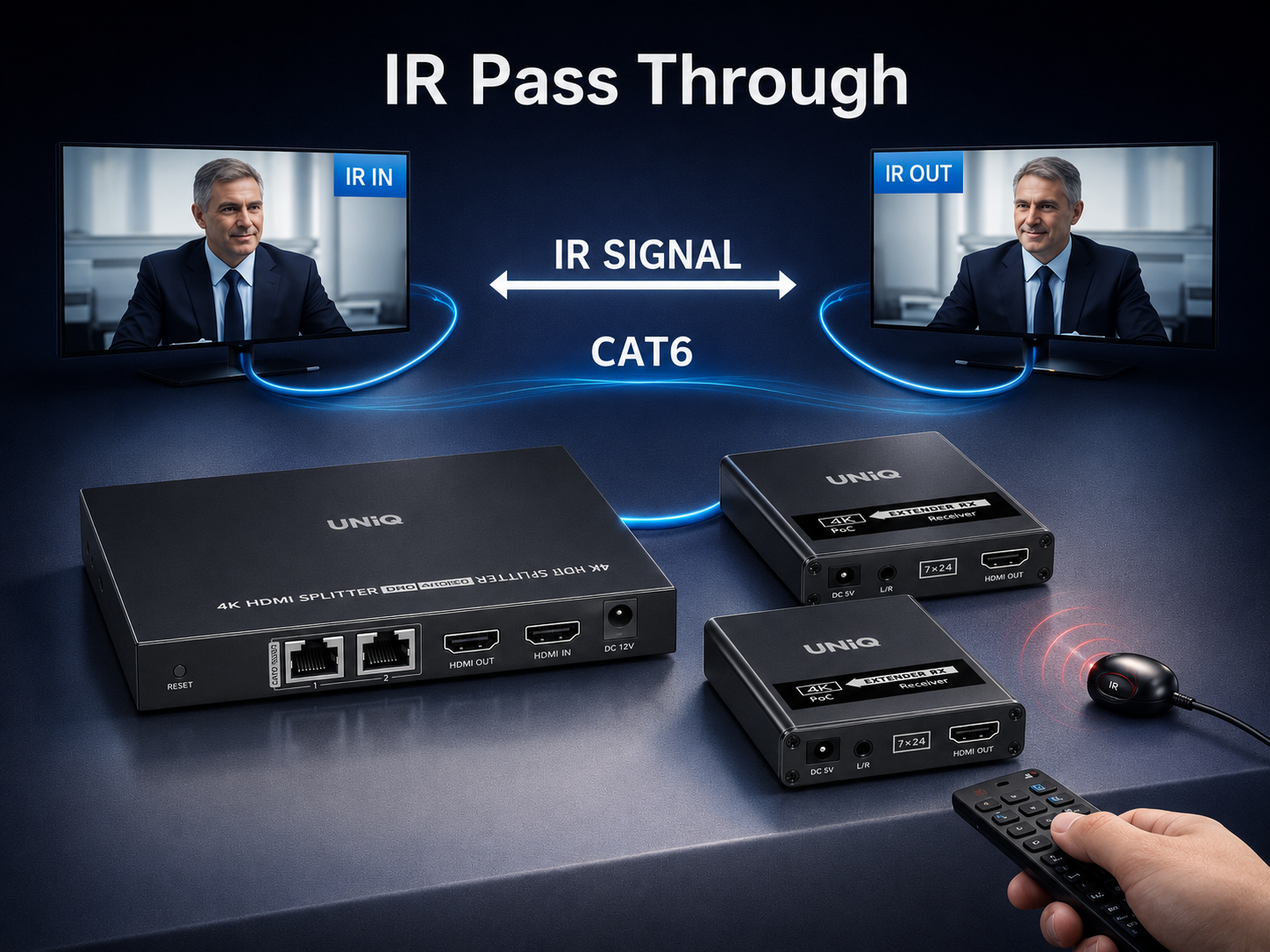
IR Pass
Bi-directional IR pass-through allows you to control your source devices from the remote display location using the original remote control.
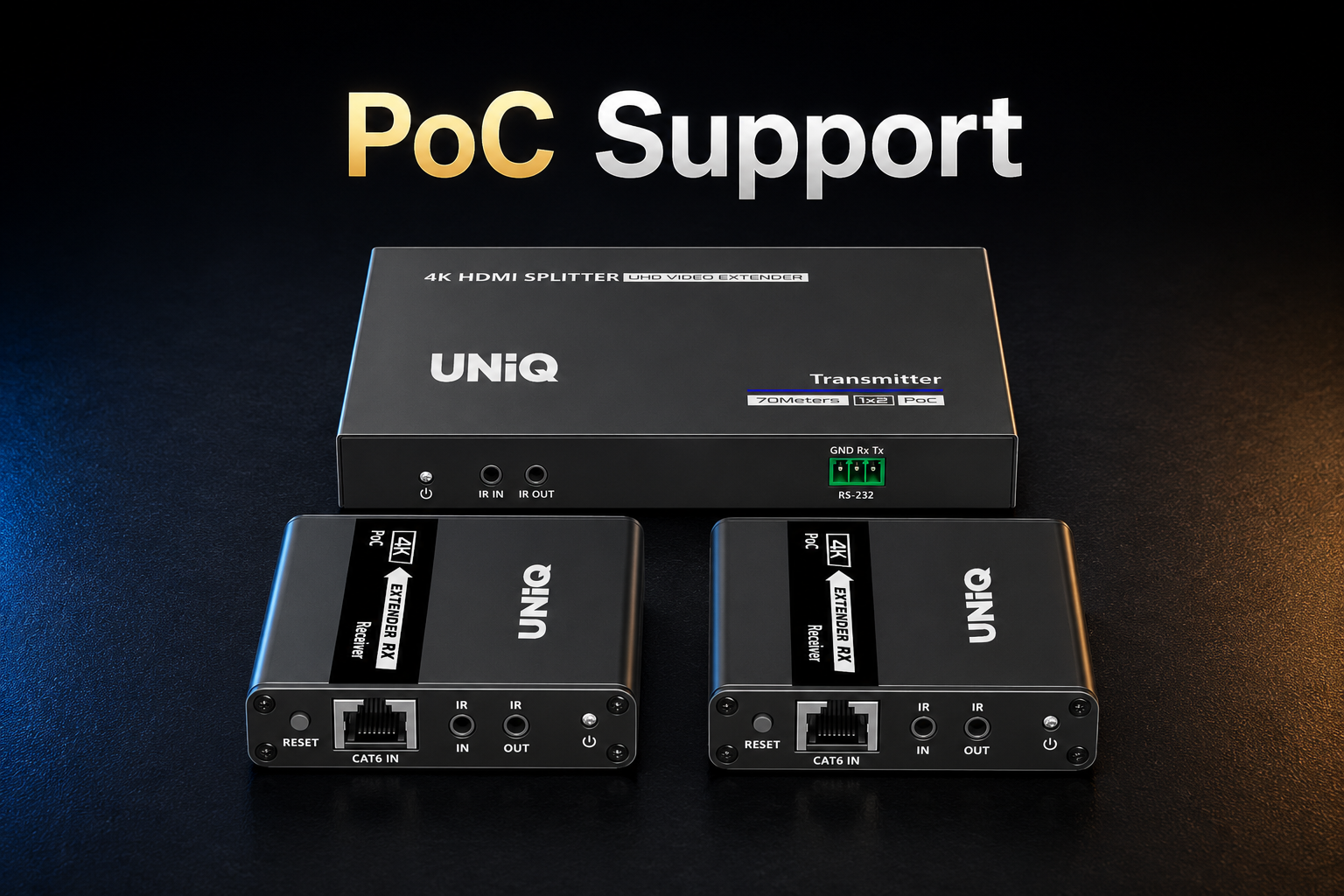
PoC Support
Power over Cable (PoC) technology allows the system to be powered from a single end, reducing cable clutter and the need for multiple power outlets.
Specifications
Model : CE-SP2L40
| Mode | 1 in 2 out | |
|---|---|---|
| Compatibility | HDMI 1.4, HDCP1.4 | |
| Resolution | 800x600, 1024x768, 1280x720, 1280x960, 1366x768, 1440x900, 1680x1050, 1920x1080, 480i@60Hz, 480p@60Hz, 576i@50Hz, 576p@50Hz, 720p@50/60Hz, 1080i@50/60Hz, 1080p@24/25/30/50/60Hz, 4K@24/25/30Hz | |
| Audio Formats | PCM, LPCM, DTS-HD, DTS-Audio | |
| Transmission distance (CAT6/6A/7) | 1080p@60Hz ≤70 meters 4K@30Hz ≤40 meters | |
| IR Passback | Bi-directional IR passback (20-60khz) | |
| RS-232 | 3Pin: GND-RxD-TxD, follows RS-232 levels Default baud rate: 9600 | |
| Working temperature | -20~60°C | |
| Storage temperature | -30~70°C | |
| Humidity | 0~90% RH | |
| Protection | ESD protection 1a Contact discharge level 2 (±4KV) 1b Air discharge level 3 (±8KV) Implementation of the standard: IEC61000-4-2 Lightning protection Surge protection | |
| Power Supply | TX: DC12V/1A RX: DC5V/1A | |
| Power Consumption | TX < 10W RX < 2.5W | |
| Housing | Iron | |
| Color | Black | |
| Weight | TX: 280g RX: 160g x2 | |
| Dimensions | TX: 151.5(L) x 86.5(W) x 19.0(H)mm RX: 75.0(L) x 80.0(W) x 18.0(H)mm | |
| Package Contents | 1) Transmitter x1 2) Receiver x2 3) Power Adaptor DC12V/1A x1 4) IR Blaster extension Cable x1 5) IR Receiver extension Cable x2 6) RS-232 Terminal Block x1 7) Mounting Ears x2 8) Screw x8 9) User Manual x1 | |
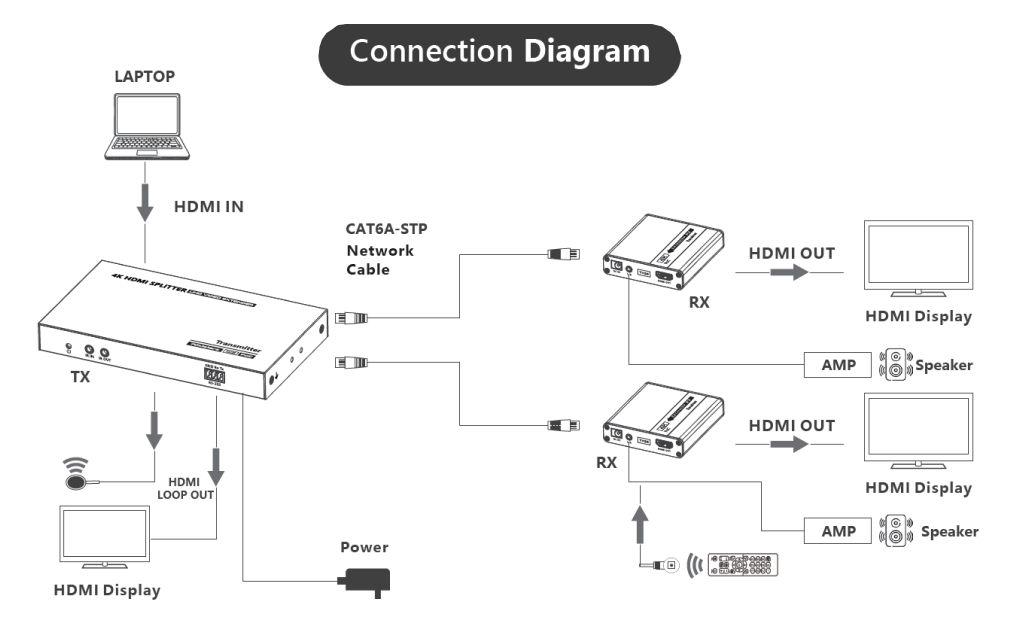
Schematic Diagram
FAQ For CE-SP2L40
Quick answers for CE-SP2L40
CE-SP2L40 FAQ
1. Why there is no image output on the display device?
2. Why is the output image unstable?
3. W hy does the TV have a snowy/fuzzy screen?
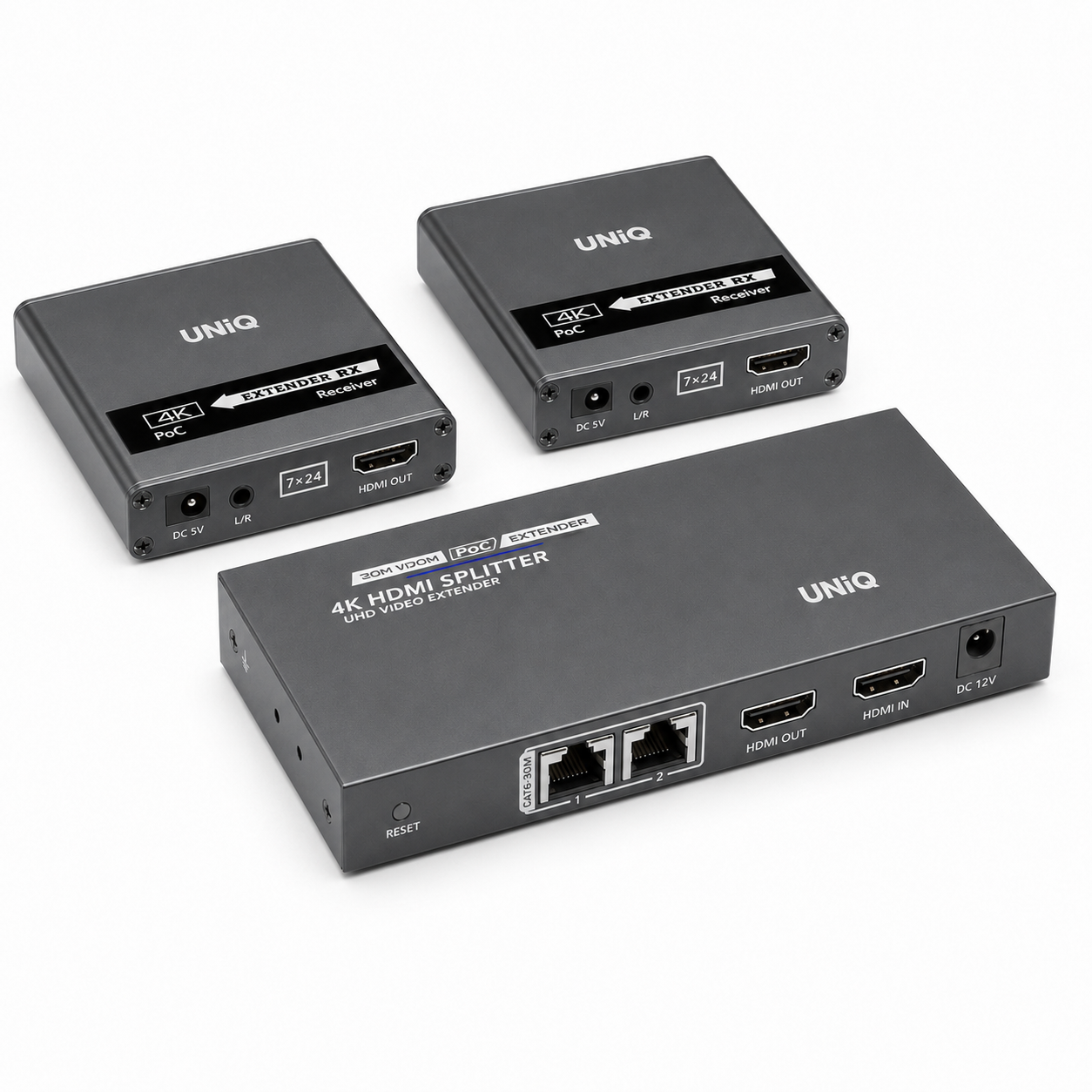
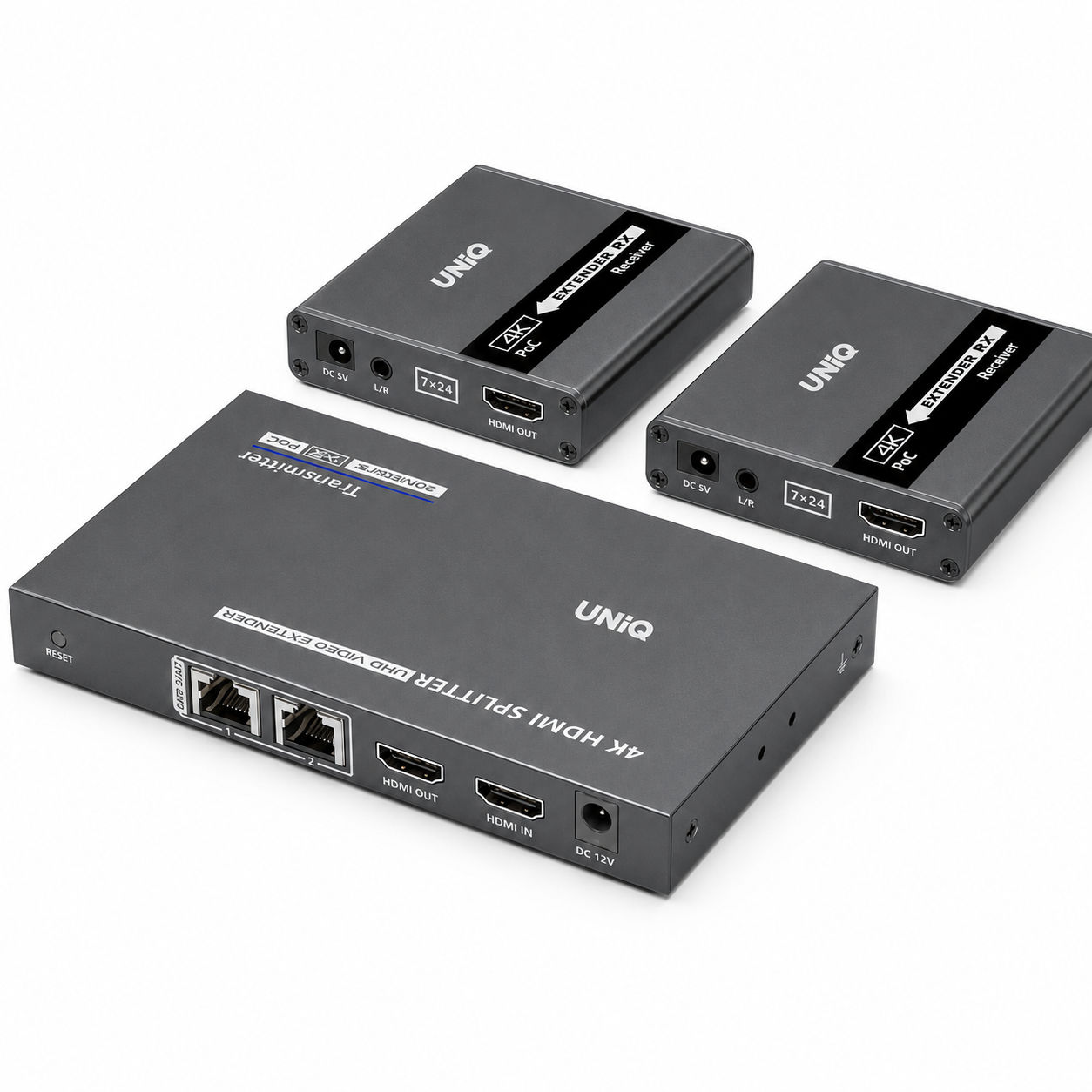
Product Gallery
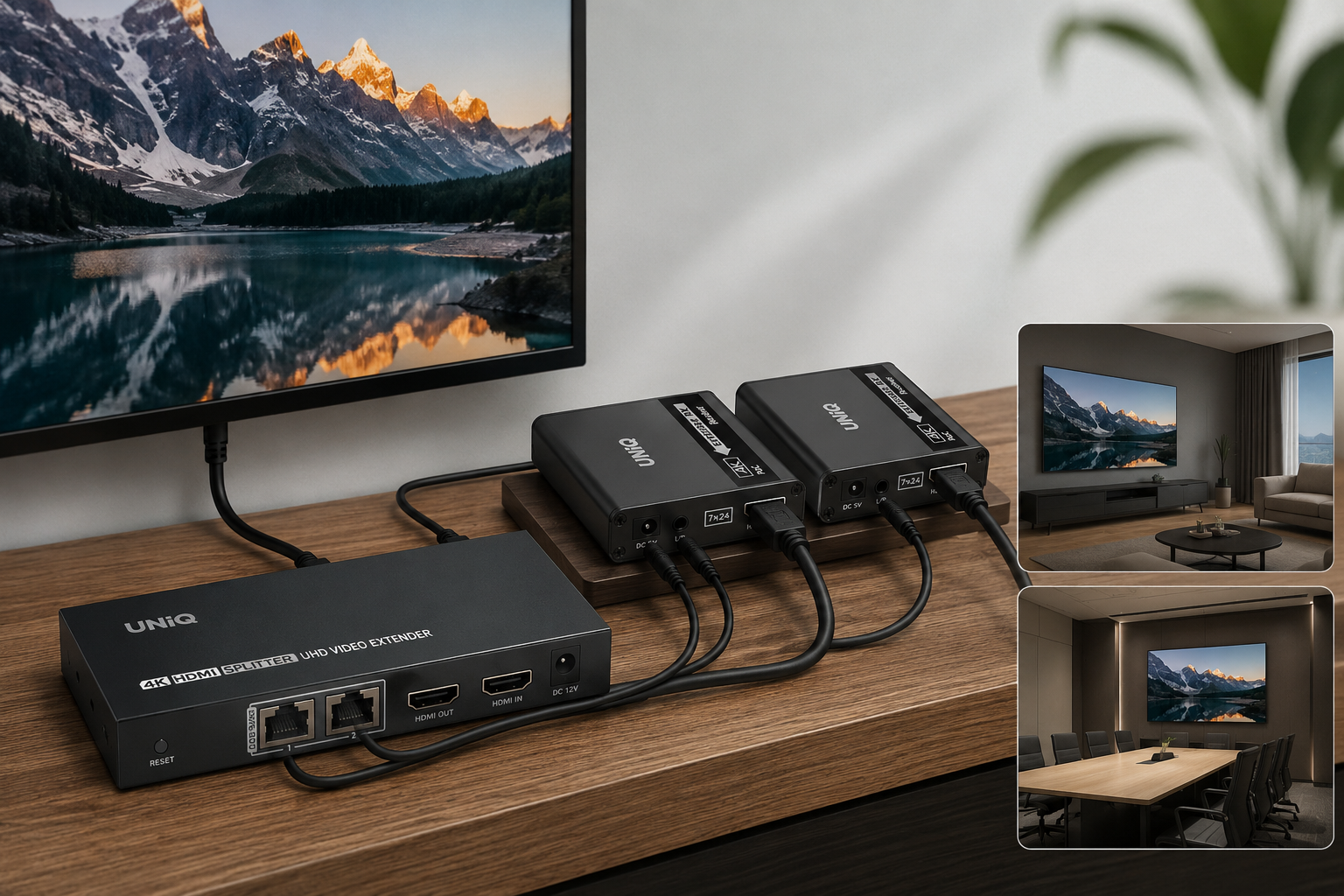
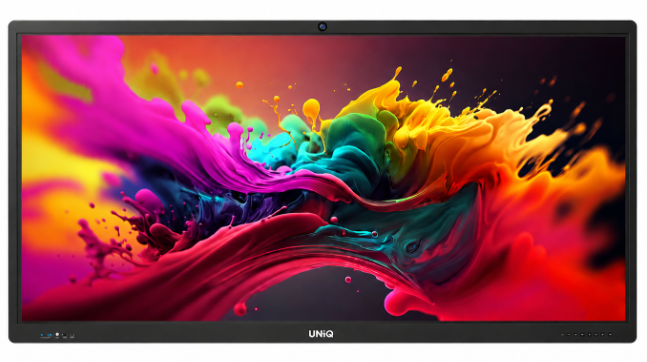
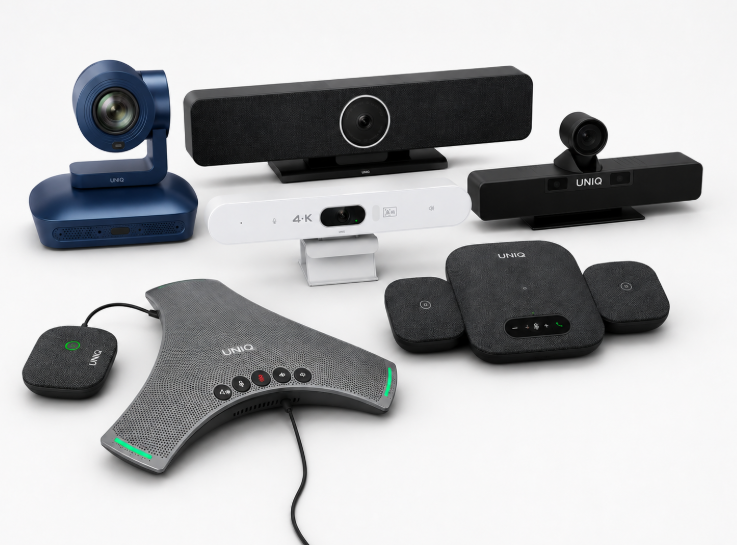
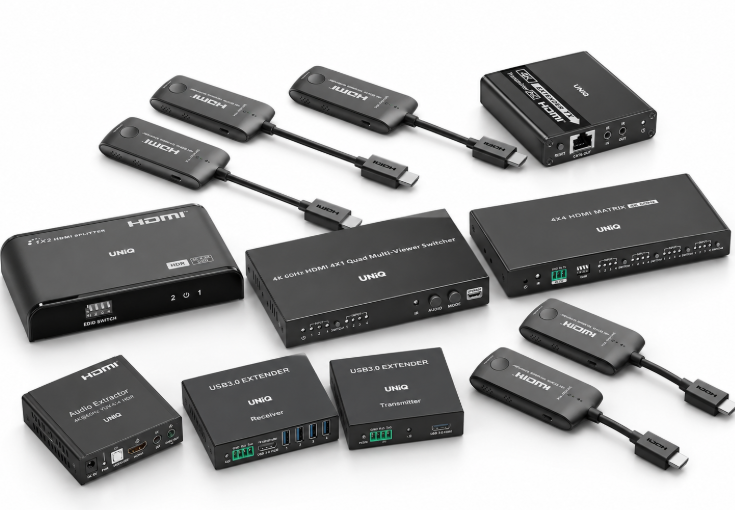

Who We Support
Built for modern collaboration across learning spaces, growing businesses, and training environments.
Our Commitment
Focused on quality, reliability, and support to keep every collaboration experience seamless.
Reliable coverage that protects your investment and ensures long-term confidence.
Fast, dependable delivery so your setup arrives safely and on time.
Dedicated assistance for setup, troubleshooting, and ongoing success.
