
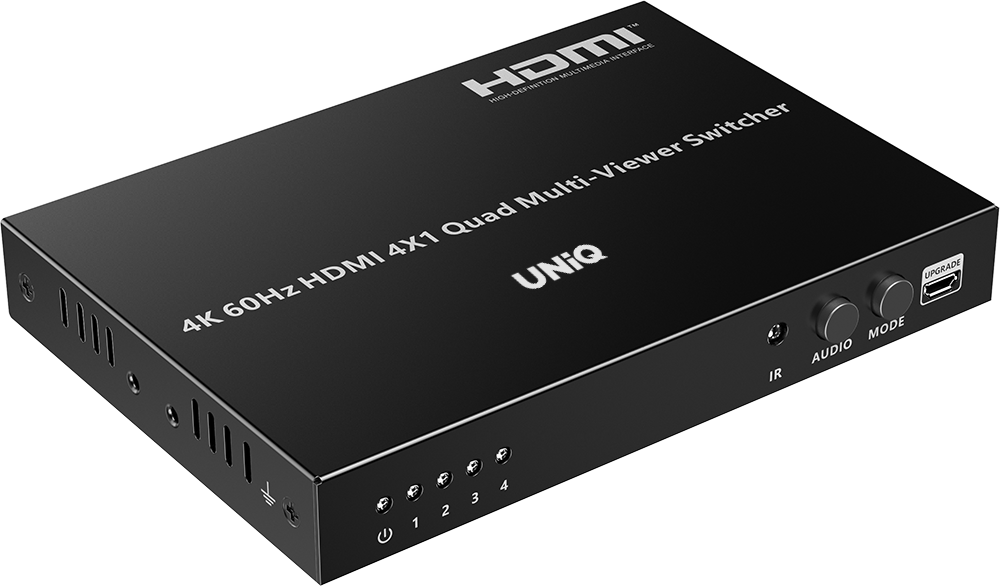
SW-41MVT





scroll
Product features
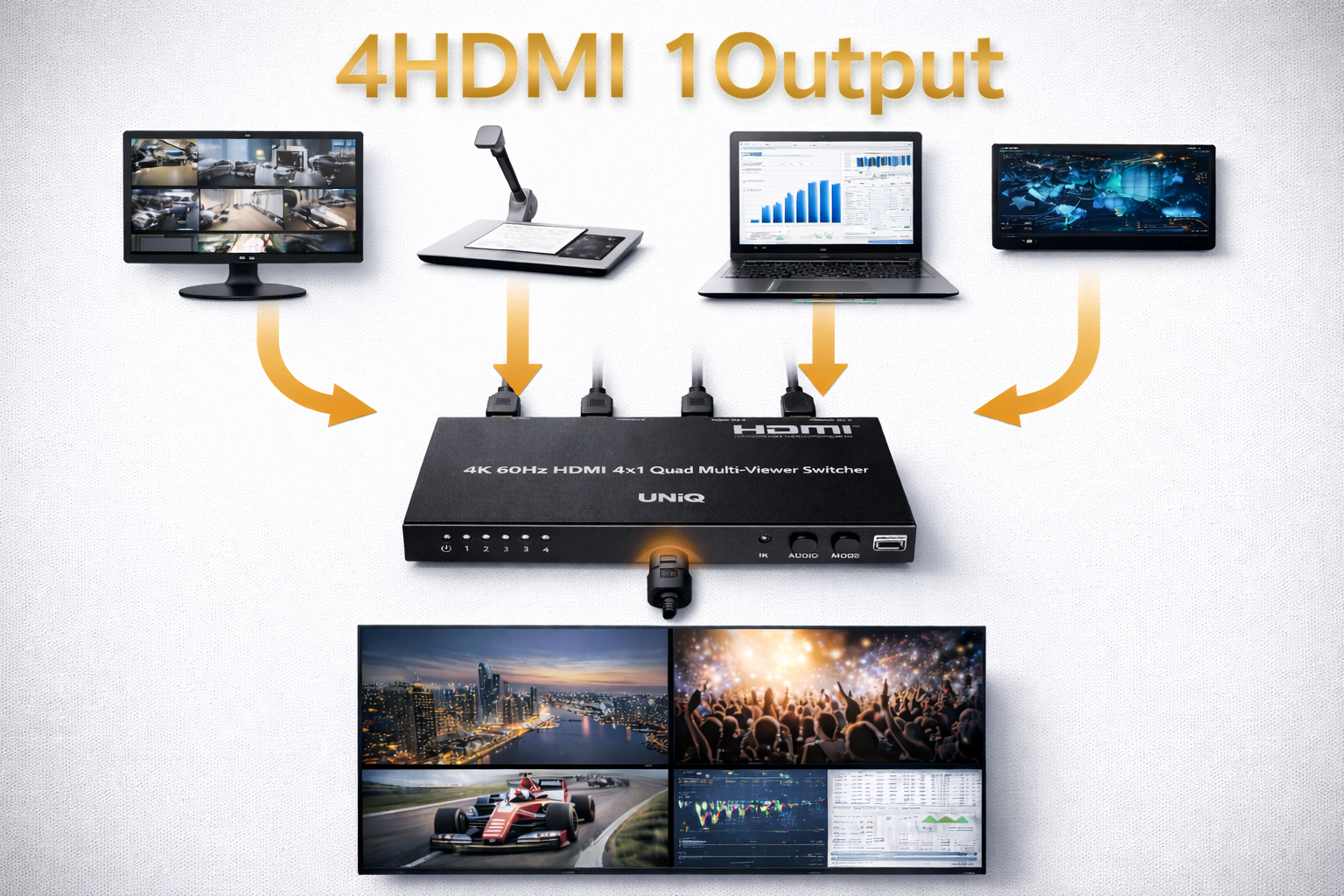
4 HDMI Sources
Supports up to 4 HDMI input sources for flexible multi-viewer switching and seamless content distribution in professional AV setups.
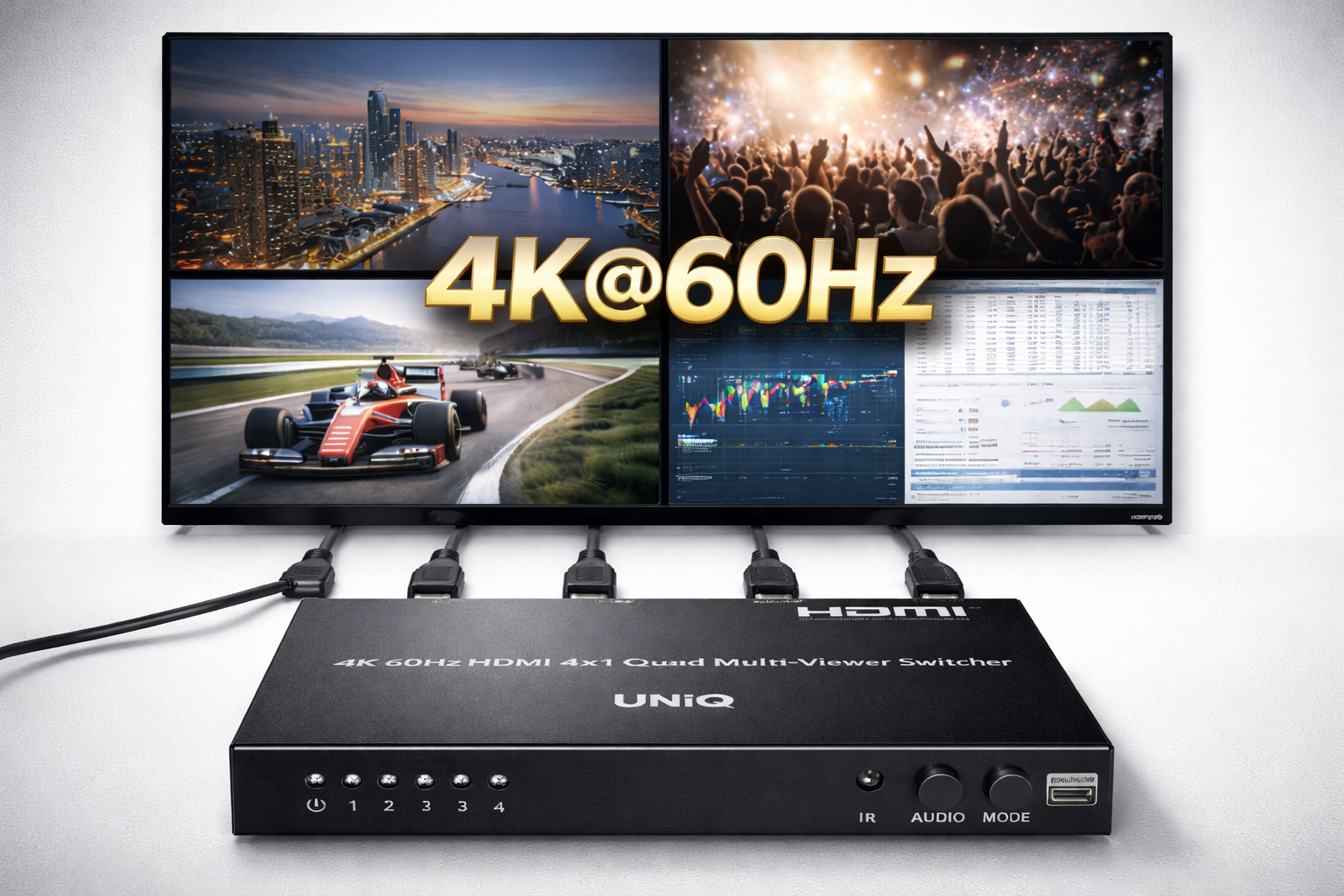
4K@60Hz Support
Handles ultra-high-definition 4K content at 60Hz for crystal-clear visuals and future-proof performance in demanding applications.
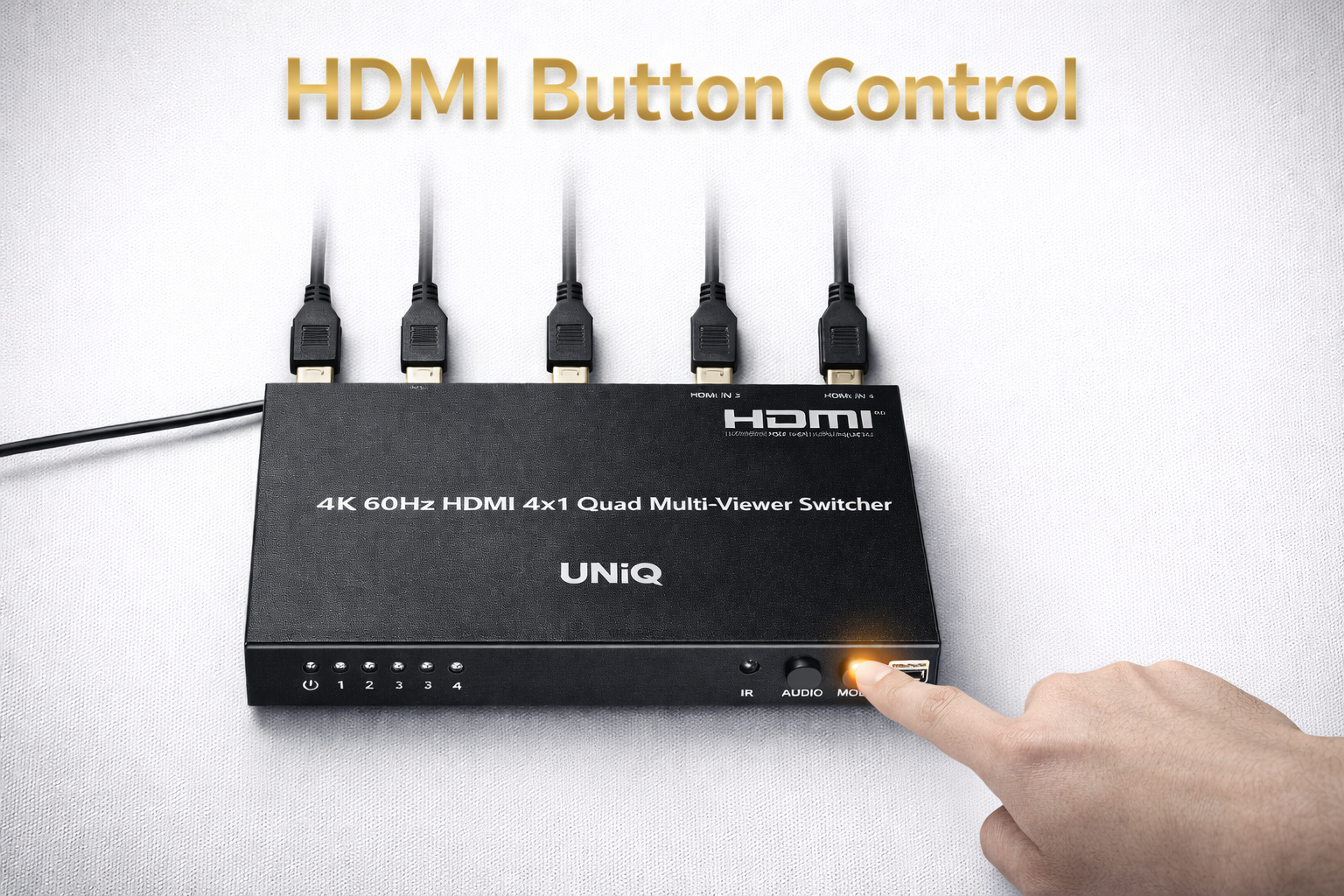
HDMI Button Control
Intuitive front-panel buttons for instant HDMI source switching, providing quick and reliable control without complex interfaces.
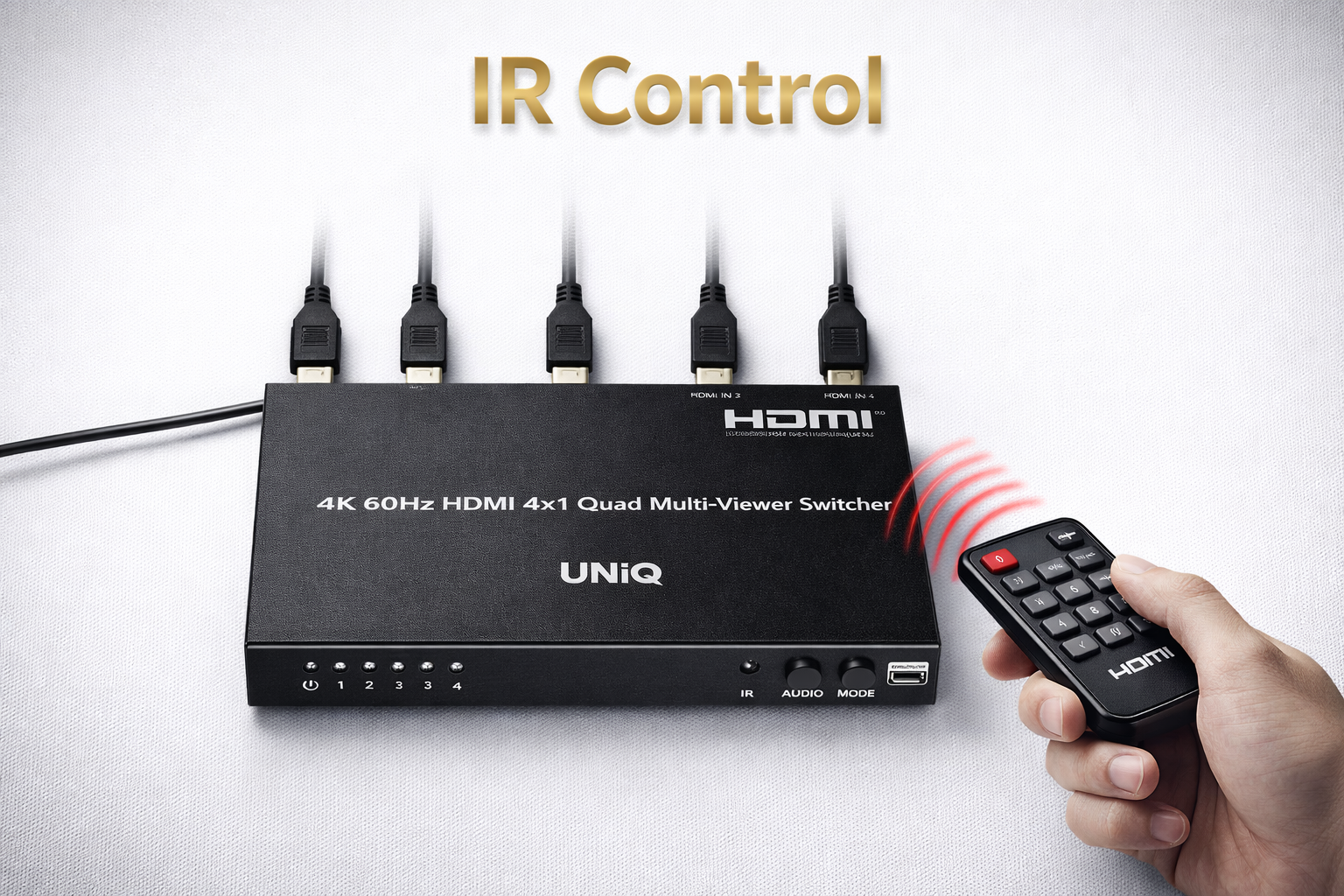
IR Control
Infrared remote control support for wireless operation, enabling convenient source selection from a distance in various installation scenarios.
Specifications
Model : SW-41MVT
| Input interface | 4 x HDMI | |
|---|---|---|
| Output interface | 1 x HDMI | |
| HDMI length | ≤5m | |
| Compatibility | HDMI2.0 HDCP1.4/HDCP2.2 | |
| Audio support | Dolby Digital 5.1CH/DTS 5.1CH/LPCM 2.0 | |
| Support mode | Support full screen mode, dual mode and quad mode | |
| Support Resolutions | Input: 4096x2160@24/25/30/50/60Hz, 3840x2160@24/25/30/50/60Hz, 1080P@24/25/30/50/60Hz, 720P@50/60Hz, 3440x1440@60Hz, 2560x1440@60Hz, 2560x1080@60Hz, 2560x1600@60Hz, 1920x1200@60Hz, 1680x1050@60Hz, 1600x1200@60Hz, 1600x900@60Hz, 1440x900@60Hz, 1400x1050@60Hz, 1360x768@60Hz, 1280x1024@60Hz, 1280x960@60Hz, 1280x800@60Hz, 1280x768@60Hz, 1024x768@60Hz, 800x600@60Hz, 576P@50Hz, 480P@60Hz, 640x480@60Hz Output: 3840x2160@60Hz, 1080P@60Hz | |
| Control mode | IR/Button | |
| Power Supply | DC12V/2A | |
| Power Consumption | <14W | |
| Working Temperature | -20°C~60°C | |
| Storage Temperature | -30°C~70°C | |
| Humidity | 0~90%RH(no condensation) | |
| Housing | Iron | |
| Weight | 498g | |
| Color | Black | |
| Dimensions | 178.50×104.74×21.20mm | |
| Protection | ESD protection 1a Contact discharge level 2 (±4KV) 1b Air discharge level 3 (±8KV) Implementation of the standard: IEC61000-4-2 Lightning protection, Surge protection | |
| Package Contents | 1) Multiviewer Switch x1 2) Power Adaptor DC12V/2A x1 3) Remote Controller x1 4) Mounting Ears x2 5) Screw x6 6) Grounding Screw x2 7) User Manual x1 | |
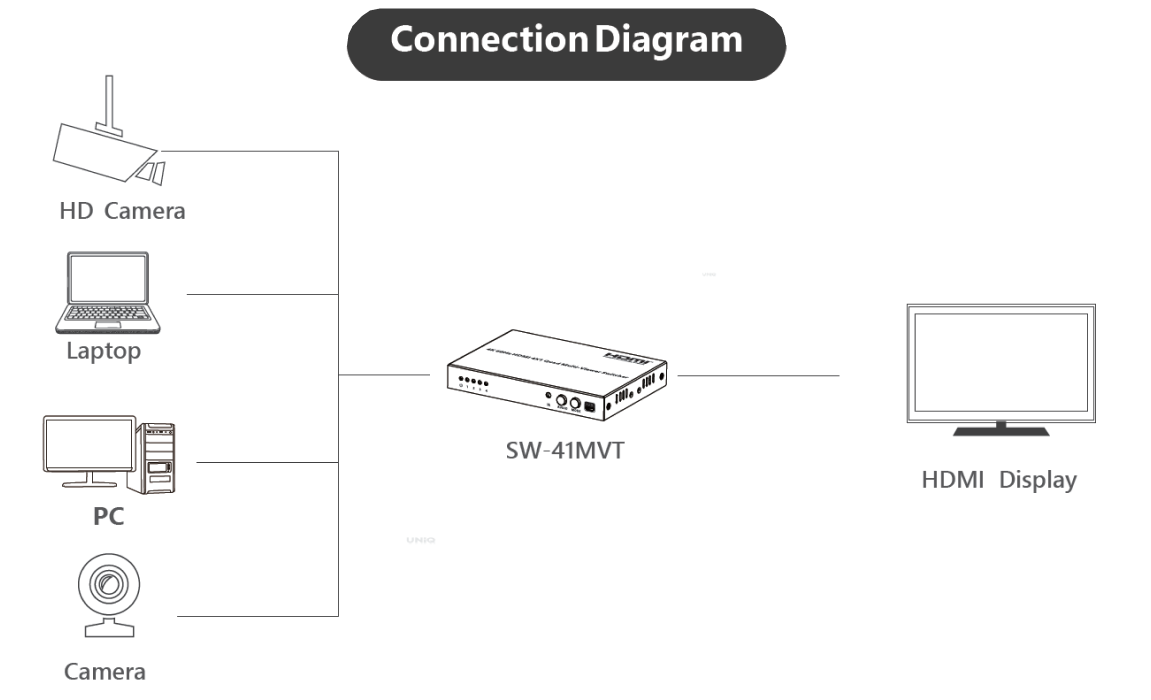
Schematic Diagram
FAQ For SW-41MVT
Quick answers for SW-41MVT
SW-41MVT FAQ
1. Q: Black screen or there is no any signal on HDMI displays?
2. Display not fluent or stable?
3. No screen appears? Or the screen display is not 3840x2160 or 1920x1080?
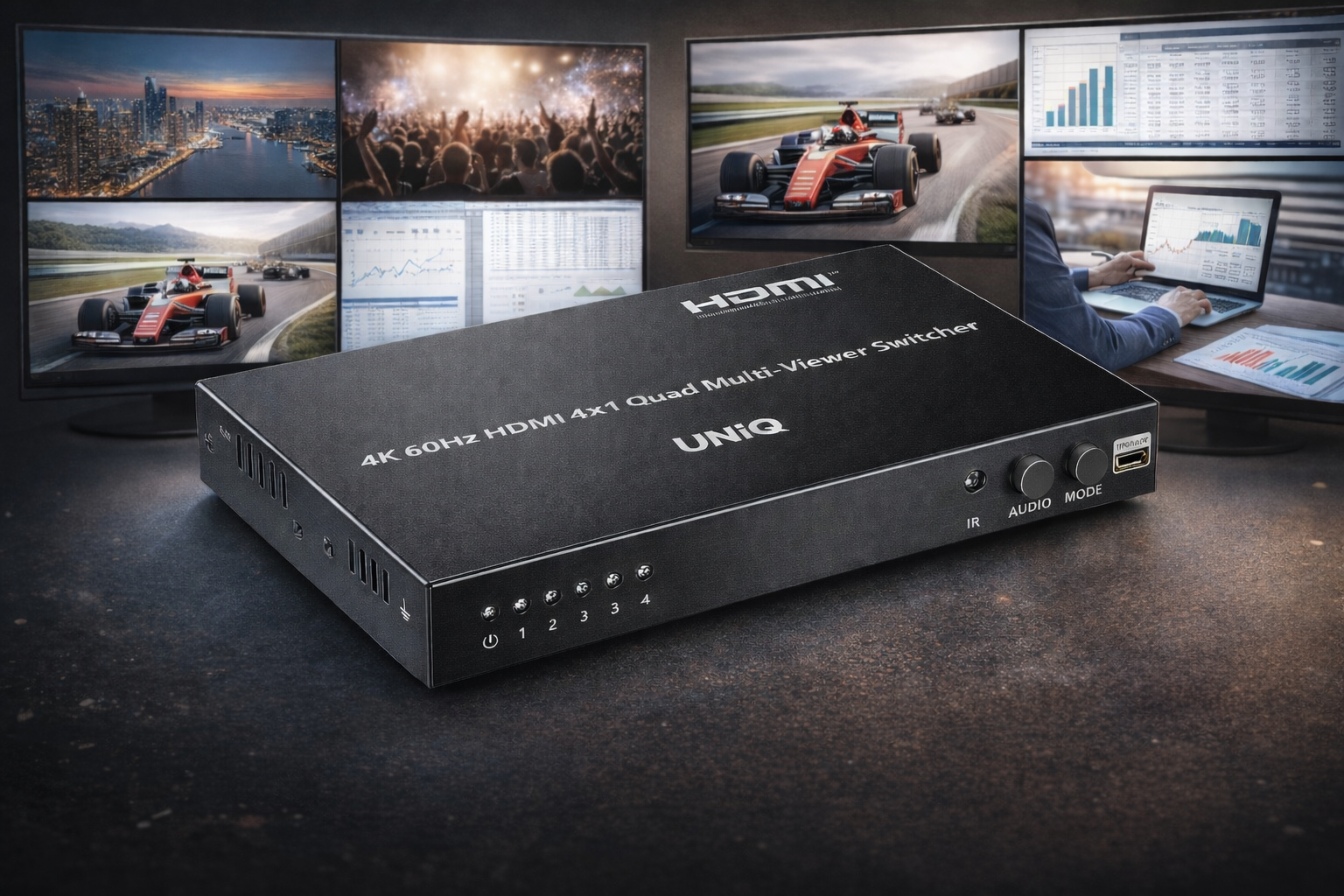
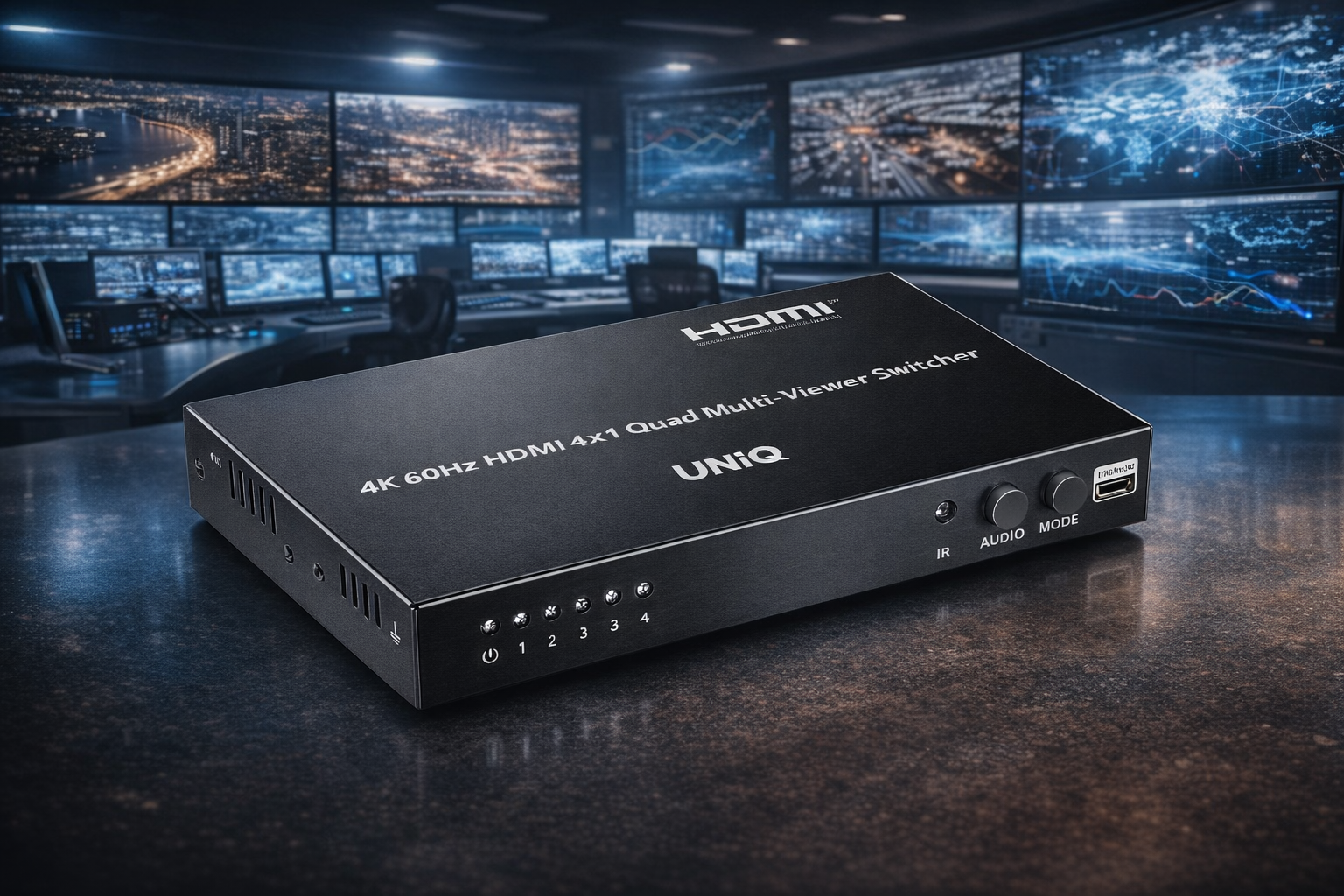
Product Gallery

Who We Support
Built for modern collaboration across learning spaces, growing businesses, and training environments.
Our Commitment
Focused on quality, reliability, and support to keep every collaboration experience seamless.
Reliable coverage that protects your investment and ensures long-term confidence.
Fast, dependable delivery so your setup arrives safely and on time.
Dedicated assistance for setup, troubleshooting, and ongoing success.
