
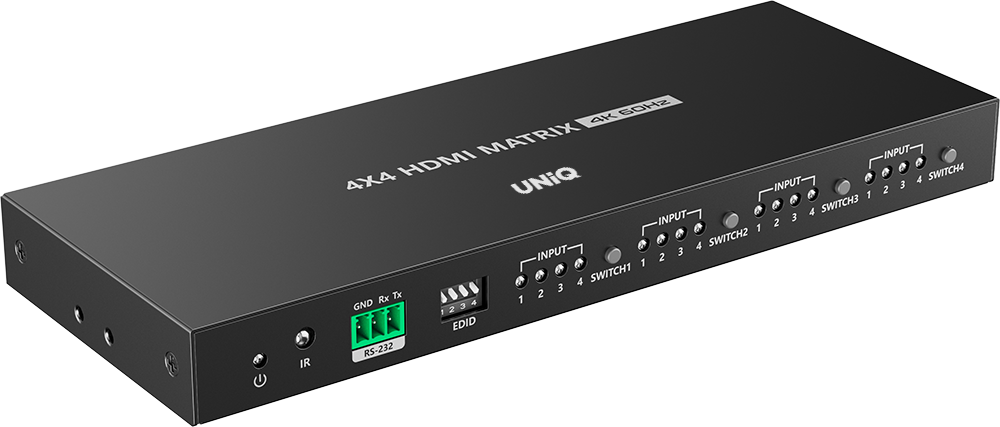
MX-44T





scroll
Product features
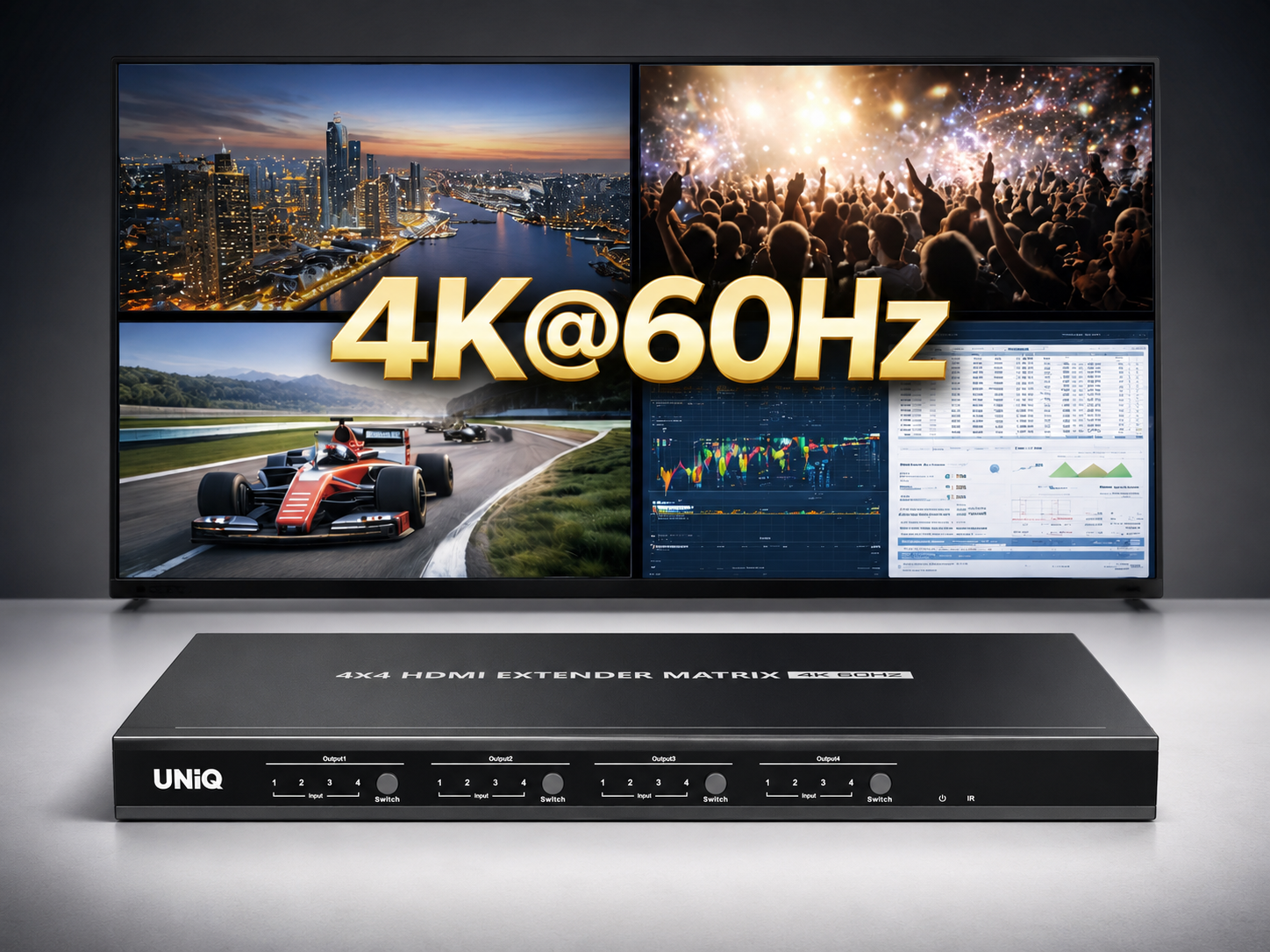
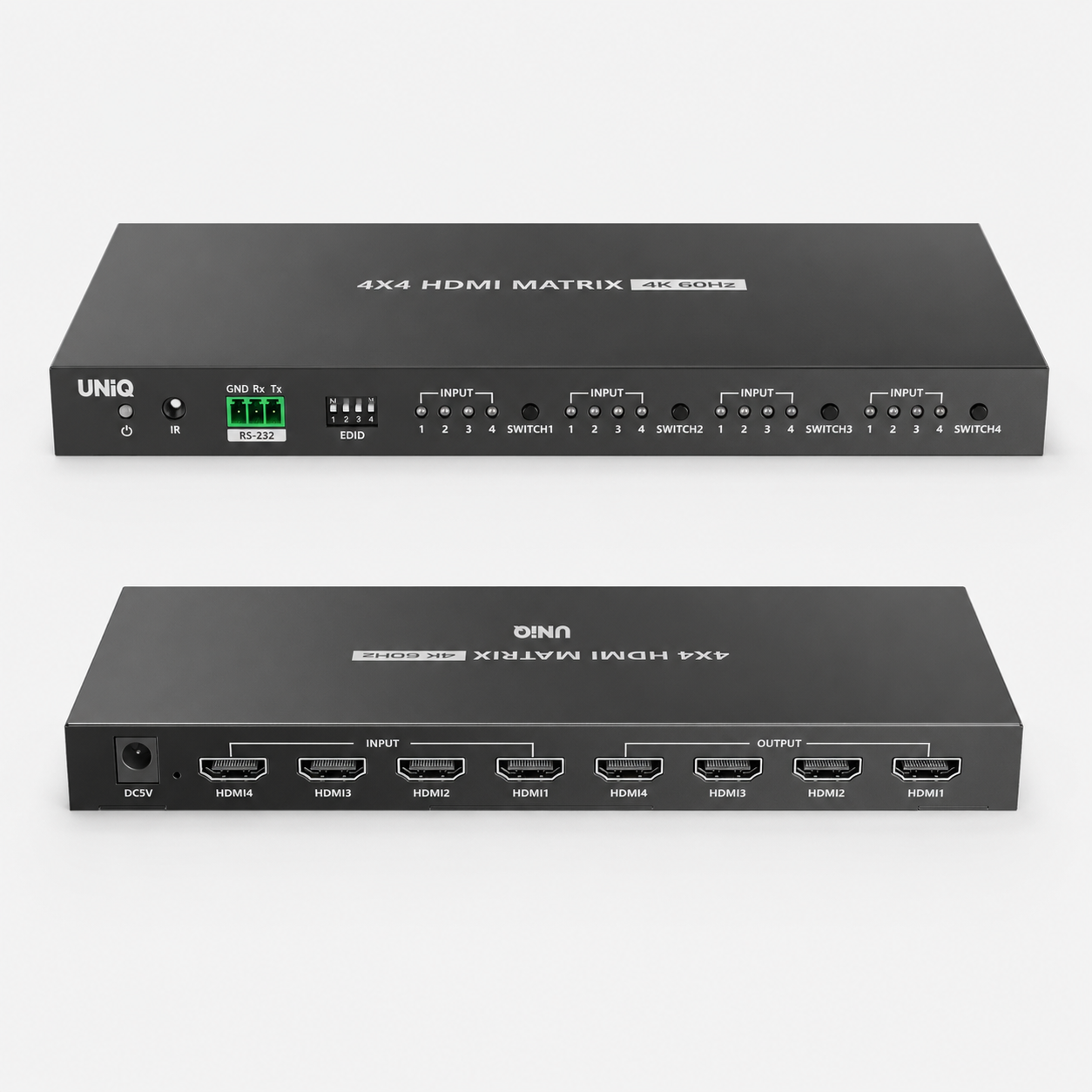
4K@60Hz Ultra HD
Experience four times the detail of standard 1080p with stunning 4K resolution at 60Hz, ensuring smooth and crystal-clear visuals for every source.
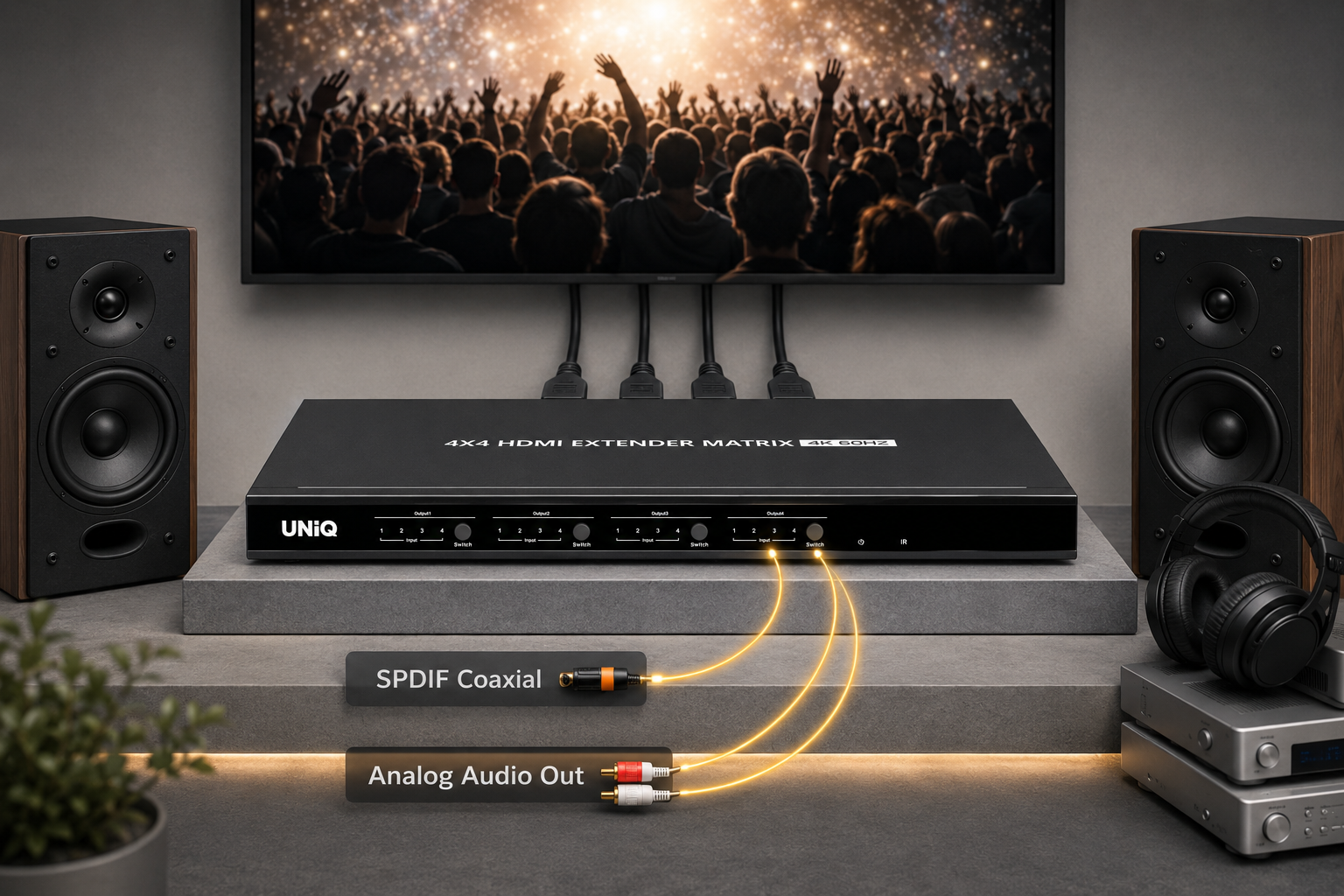
Independent Audio Extraction
Equipped with L/R and S/PDIF audio outputs, enabling seamless extraction of high-quality audio for external sound systems and amplifiers.
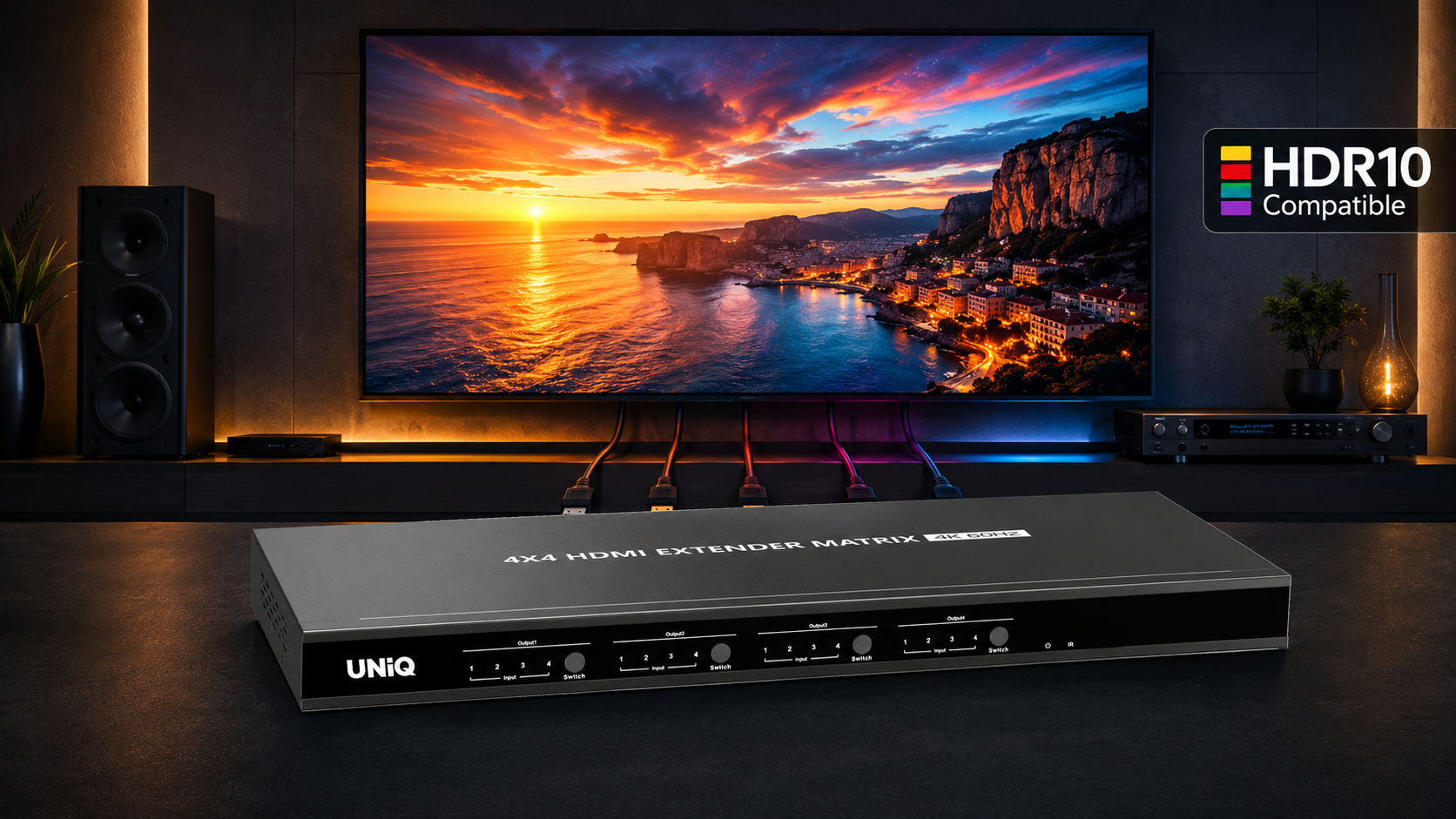
HDR & Dolby Vision Support
Full support for High Dynamic Range (HDR) and Dolby Vision ensures vibrant colors, deep blacks, and exceptional highlight detail for professional displays.
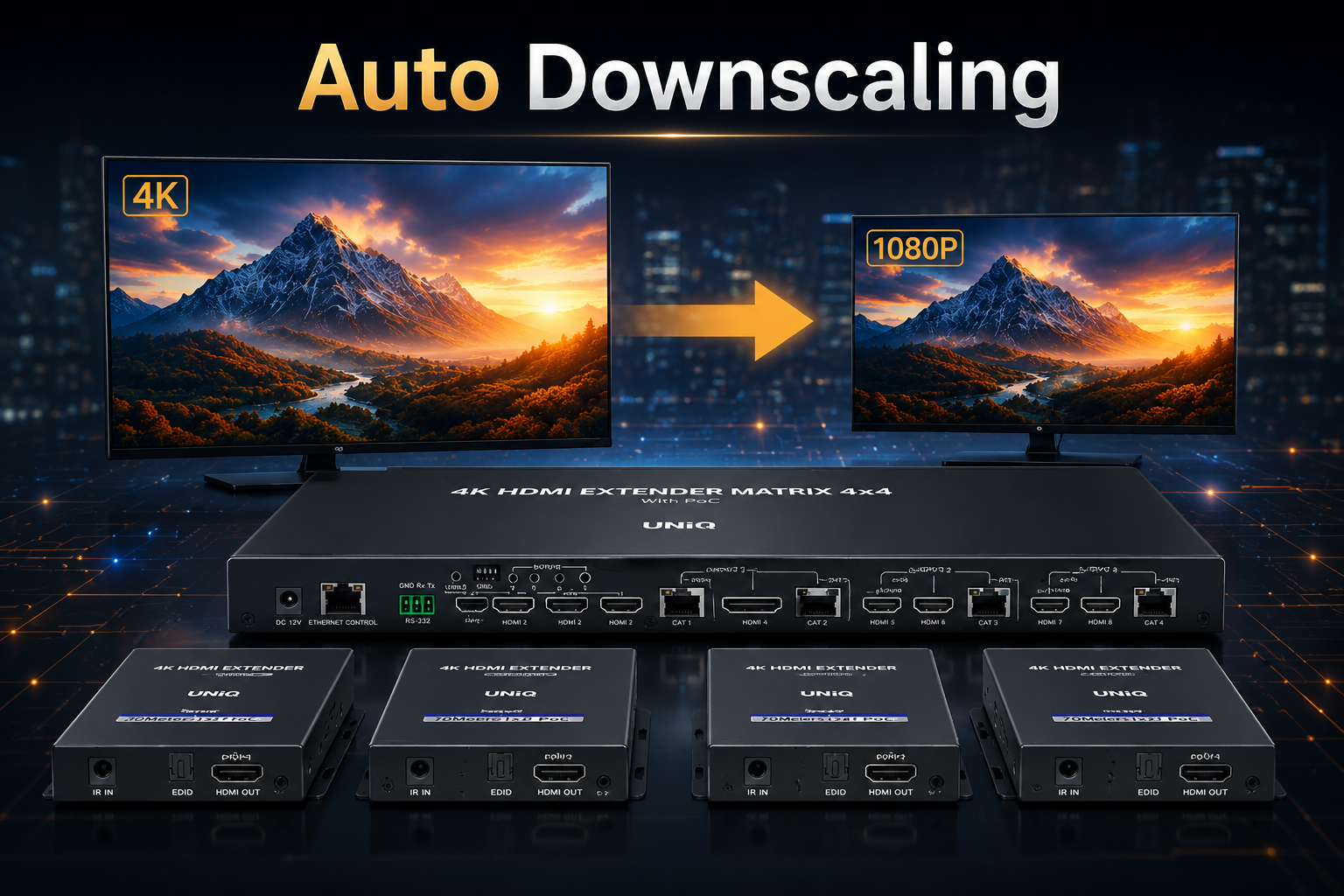
Intelligent Auto Down-Scaling
Sophisticated auto-scaling technology automatically detects and adjusts the output resolution to match the optimal performance of the connected display.
Specifications
Model : MX-44T
| HDMI version | HDMI2.0(HDR, YUV4:4:4) Compatible with HDCP 2.2, HDCP 1.4 | |
|---|---|---|
| HDMI interface | 4 HDMI input, 2 HDMI output | |
| Transmission rate | 18Gbps | |
| Bandwidth | 600MHz | |
| Resolution | 480i@60Hz, 480p@60Hz, 576i@50Hz, 576p@50Hz, 720p@50/60Hz, 1080i@50/60Hz, 1080p@50/60Hz, 3840×2160@24/25/30/60Hz, 4096×2160@24/25/30/60Hz | |
| Audio format | LPCM7.1/DTS-HD/DTS-Audio/Dolby Digital plus/ Dolby TrueHD7.1/Dolby Digital 7.1CH/Dolby Atmos | |
| RS-232 | 3 Pin(GND/Rx/Tx), Baud rate 9600 | |
| Voltage | DC5V/1A | |
| Power consumption | <4W | |
| Working temperature | -20°C~60°C | |
| Storage temperature | -30°C~70°C | |
| Humidity | 0~90%RH(No Condensation) | |
| Housing | Iron | |
| Color | Black | |
| Weight | 375g | |
| Dimensions | 210.0(L) x 80.0(W) x 21.0(H) mm | |
| Protection | ESD protection 1a Contact discharge level 2 (±4KV) 1b Air discharge level 3 (±8KV) Implementation of the standard: IEC61000-4-2 Lightning protection, Surge protection | |
| Package Contents | 1) Matrix Switch ×1 2) Power Adaptor DC5V/1A x1 3) Remote Control ×1 4) Mounting Ears x2 5) Screw x6 6) Grounding Screw x2 7) RS-232 Terminal Block x1 8) User Manual x1 | |
Schematic Diagram
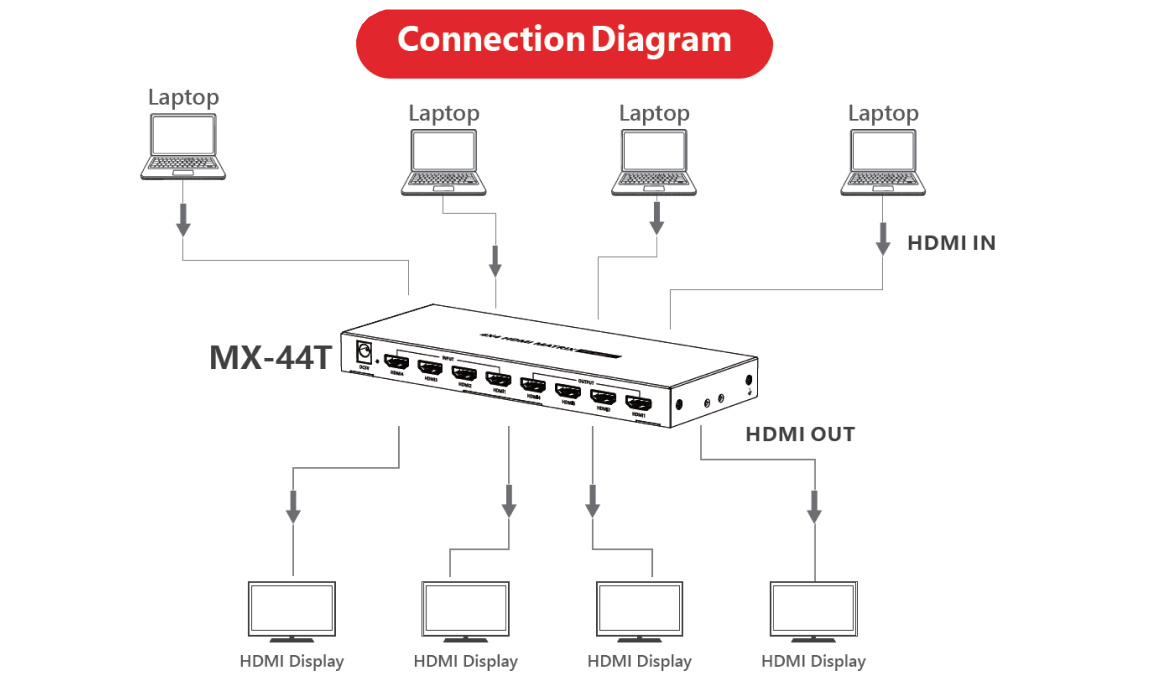
FAQ For MX-44T
Quick answers for MX-44T
MX-44T FAQ
1. No video or audio signal output on the displays?
2. Picture quality is not fluent and stable?
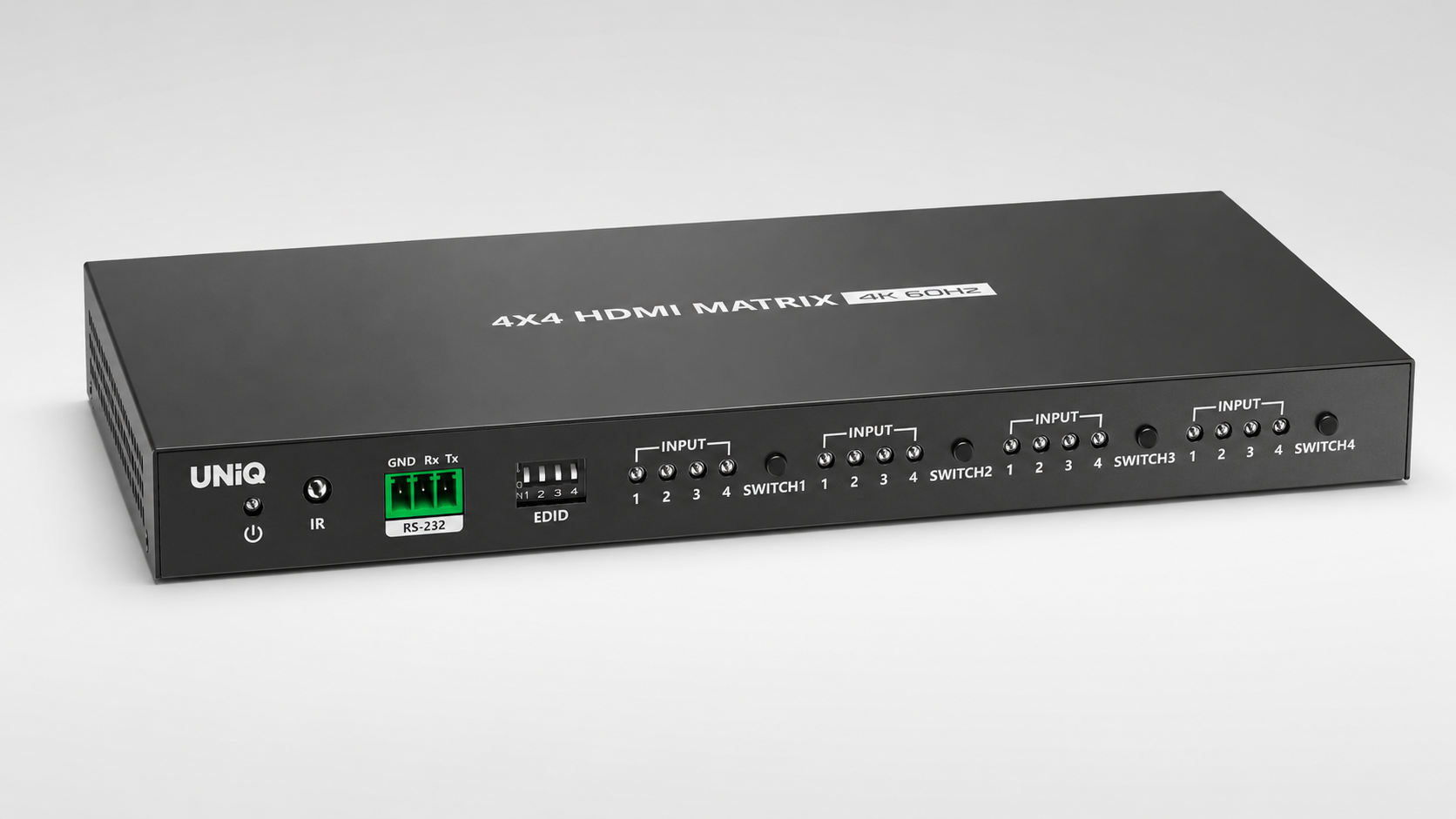
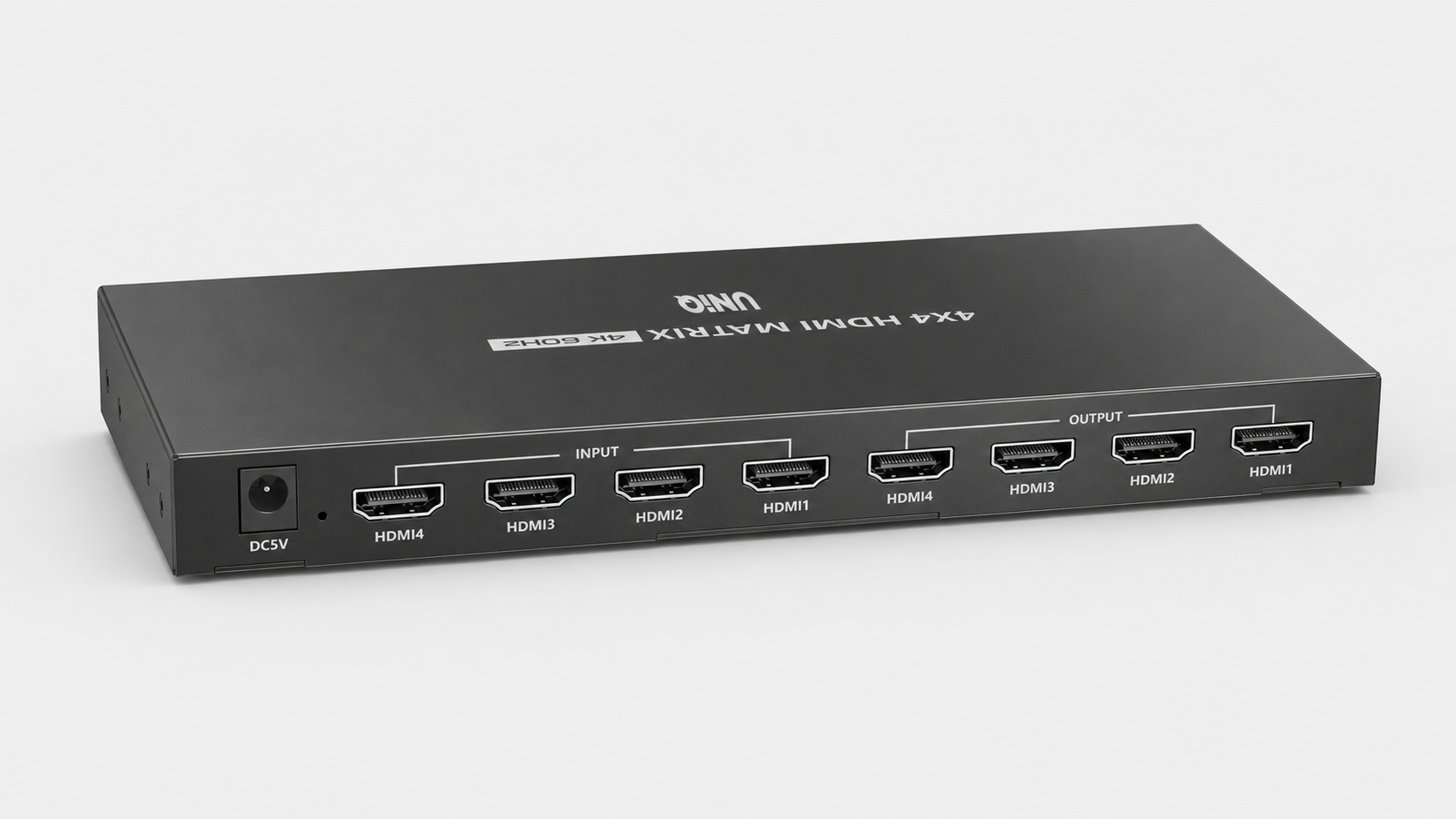
Product Gallery

Who We Support
Built for modern collaboration across learning spaces, growing businesses, and training environments.
Our Commitment
Focused on quality, reliability, and support to keep every collaboration experience seamless.
Reliable coverage that protects your investment and ensures long-term confidence.
Fast, dependable delivery so your setup arrives safely and on time.
Dedicated assistance for setup, troubleshooting, and ongoing success.
